Sudhanshu Gautam · Lead UX Designer, Wikimedia Foundation

I design for people.

I'm a human-centred designer: I care about the people problem first. I adapt quickly, and right now I'm really enjoying exploring what AI makes possible.

Lead UX Designer at the Wikimedia Foundation, on the Language and Product Localization team. Before that, nearly four years at Noora Health, where I co-led design on remote health engagement tools that help families continue care after leaving the hospital, and CIID, where I first learned to think like a designer. I started out as an engineer, with about four years at Tech Mahindra.

How I work

People first. The tools keep changing.

01Start with the people problem

I've designed for first-time internet users on feature phones, families continuing care after a hospital stay, and volunteer translators across hundreds of Wikipedias. The research comes first; the screens come later.

02Adapt to whatever ships

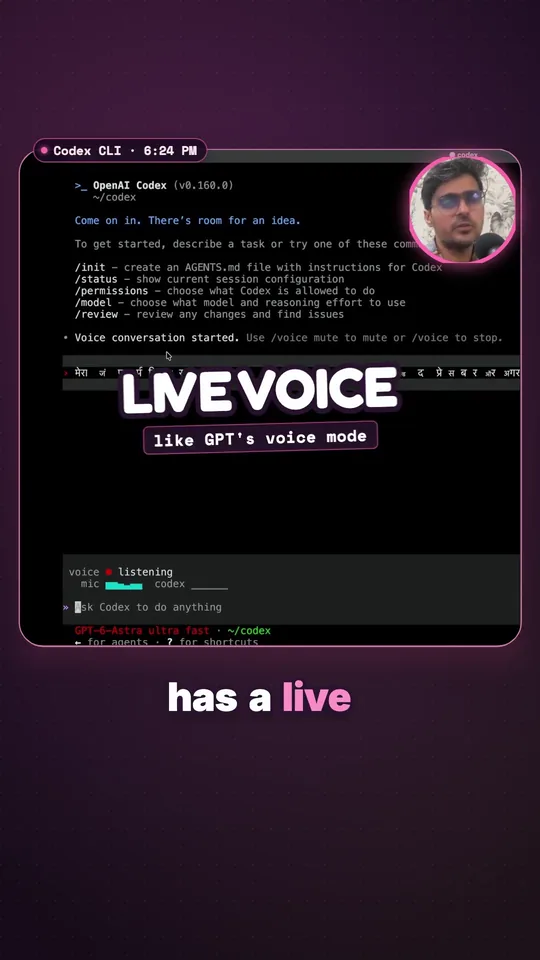
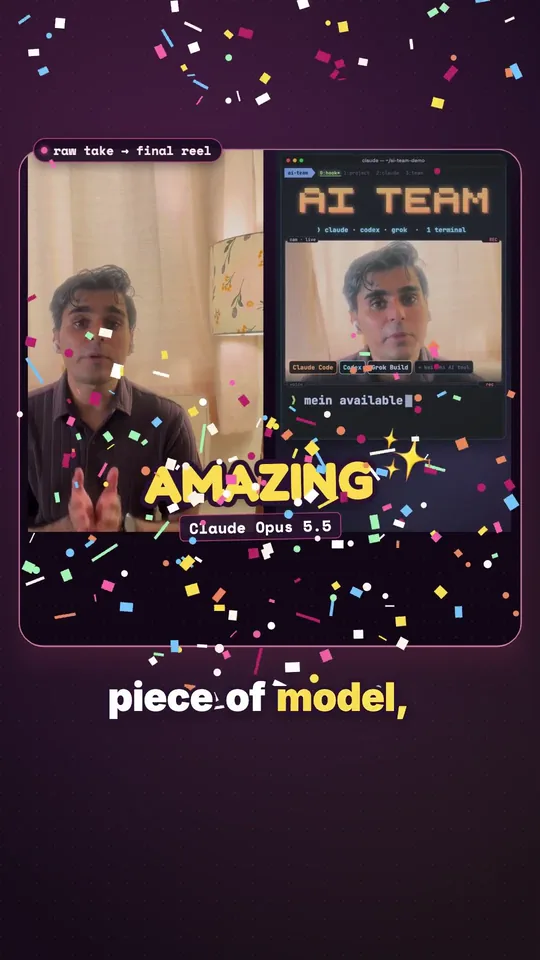
I'm comfortable in the terminal with Claude Code, Codex, Grok Build, Gemini CLI, Cursor, OpenCode, Copilot CLI and Pi, and I wire agents together when a job needs it. When a new model ships, I try it on real work.

03Explore by building

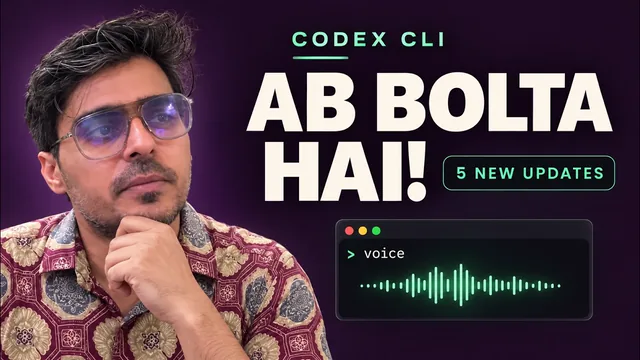
I'm really enjoying exploring AI. I build small things to learn, and some become real products: Promptbook went from first commit to the App Store in 25 days. I share what worked, and what didn't, on YouTube.

Comfortable withClaude CodeCodexGrok BuildGemini CLICursorOpenCodeCopilot CLIPiMCPAgent skillsFigma
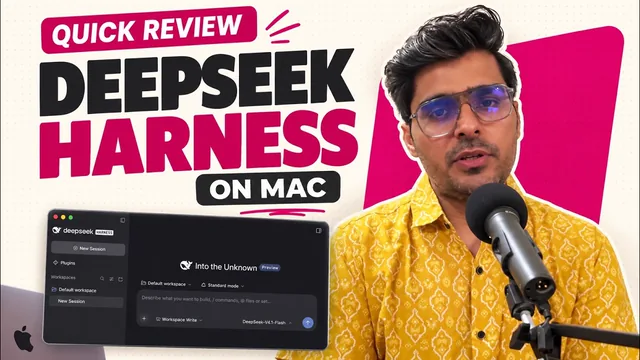
Also triedAiderGooseAmpKimiQwen CodeDeepSeek Harness

Wikimedia Foundation

Designing for the people who read and edit Wikipedia

Lead UX Designer since 2020, now on the Language and Product Localization team.

2020 – 2021
1.6M+

downloads on KaiStore

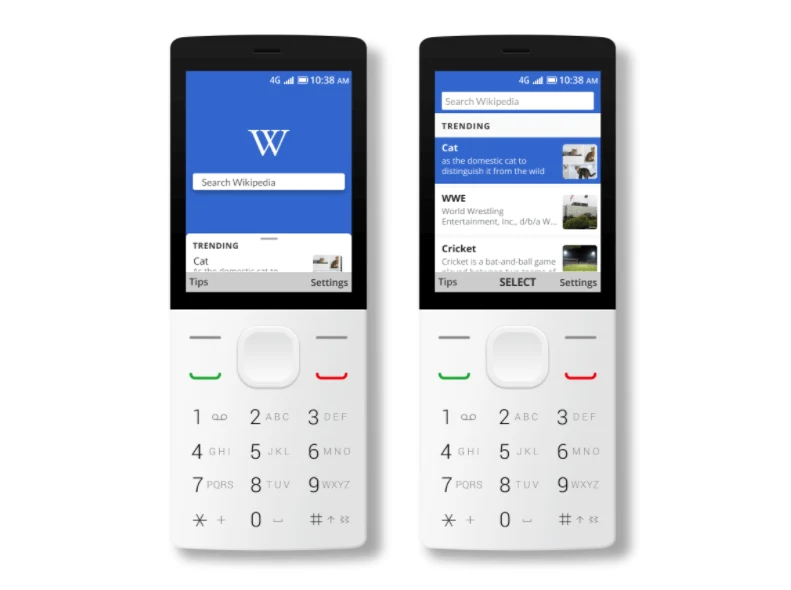
Wikipedia for KaiOS

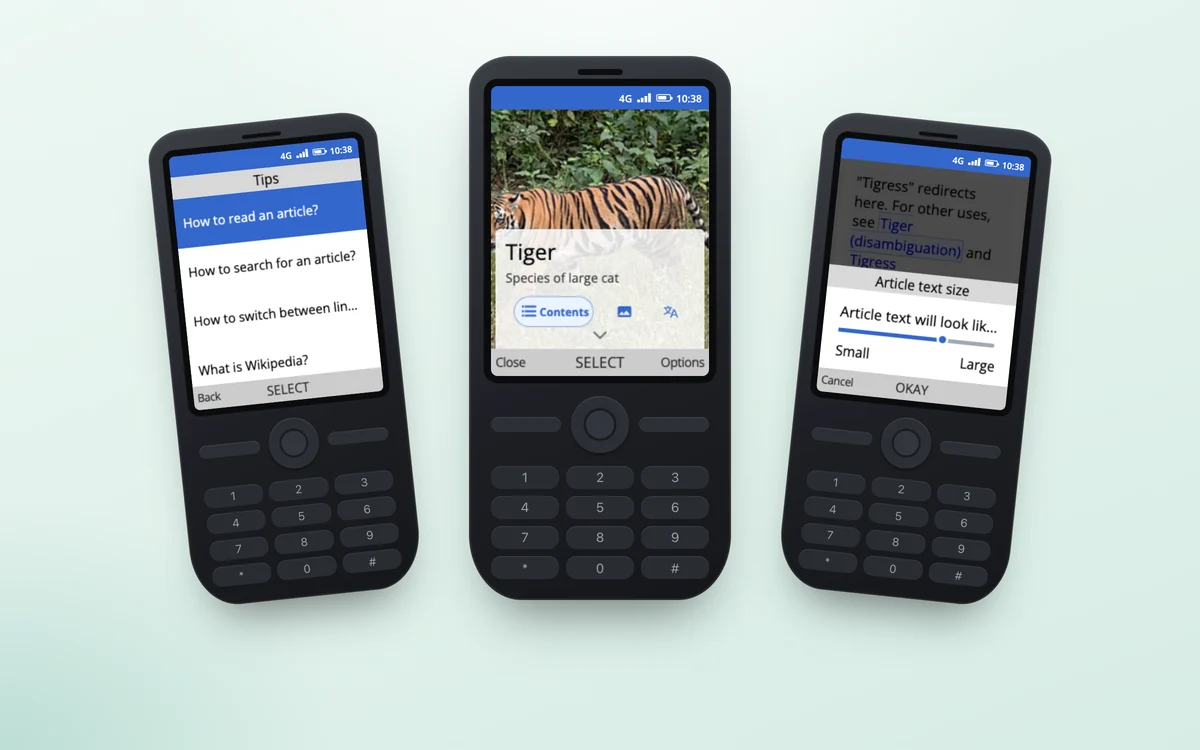
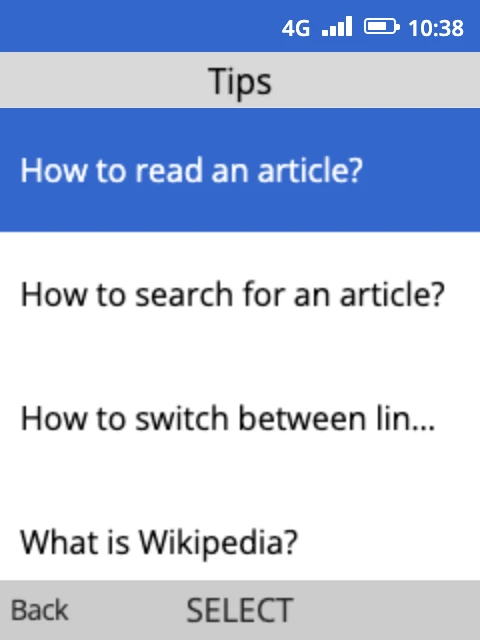
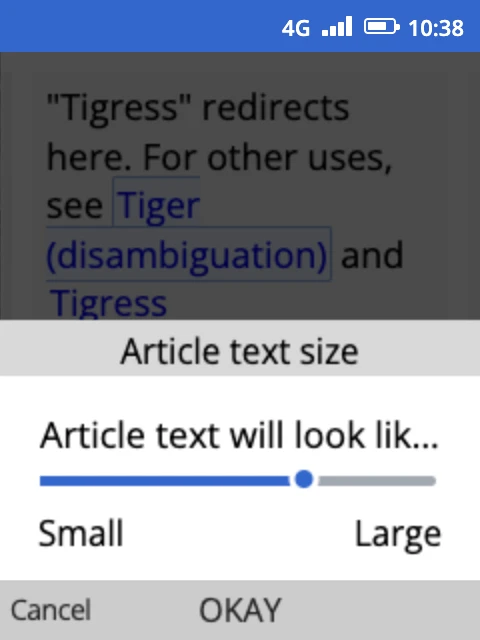
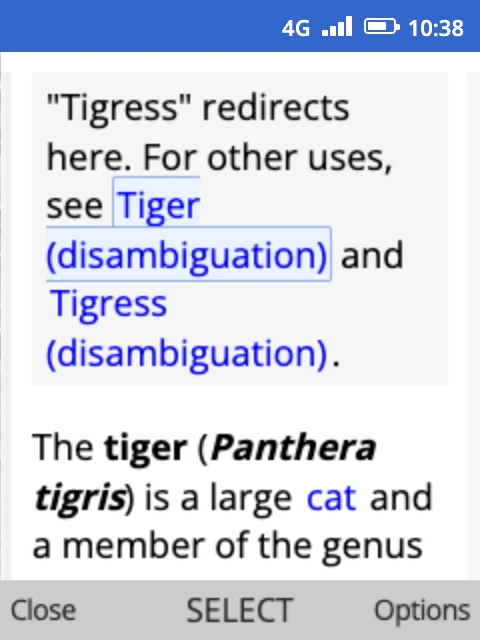
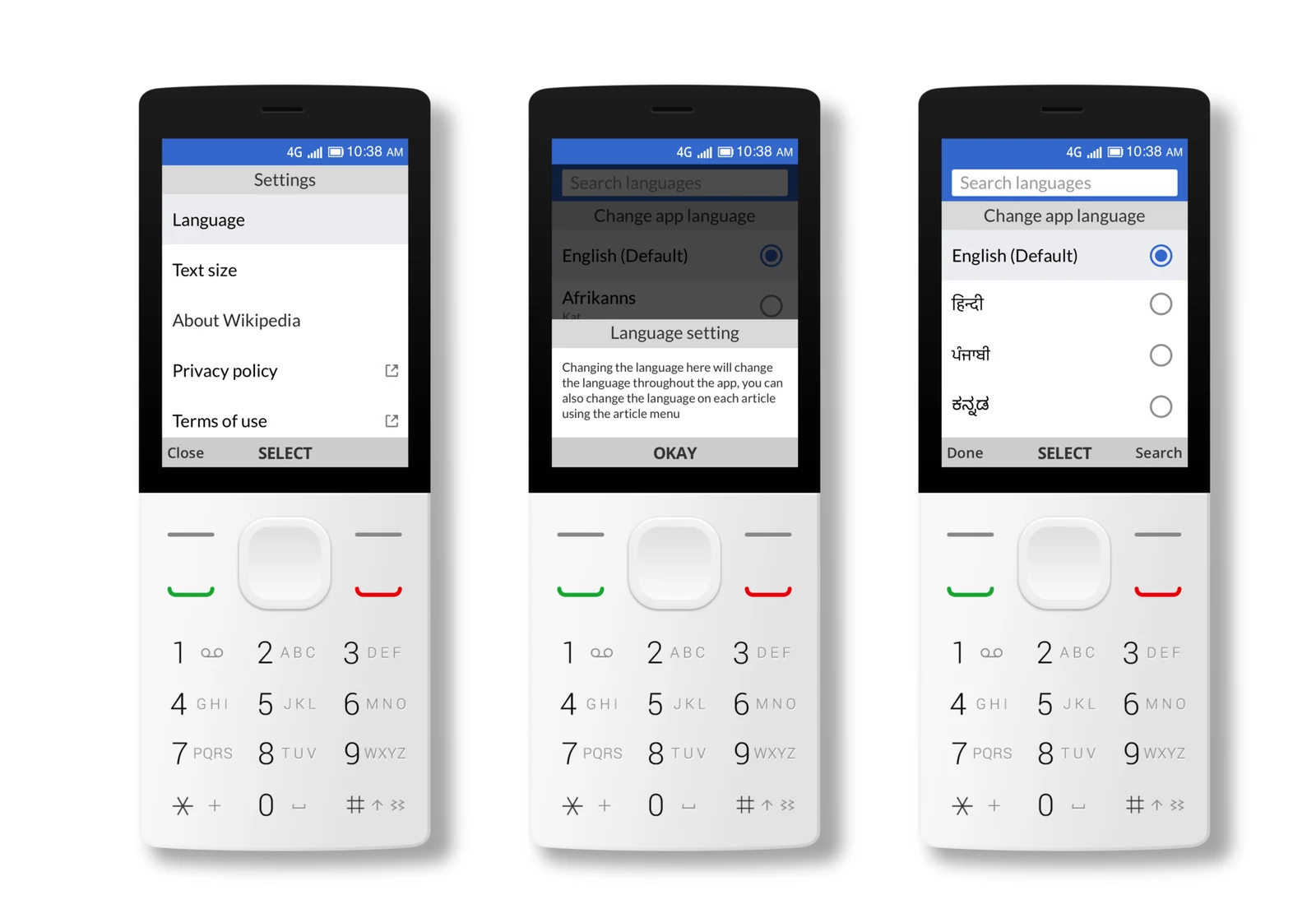
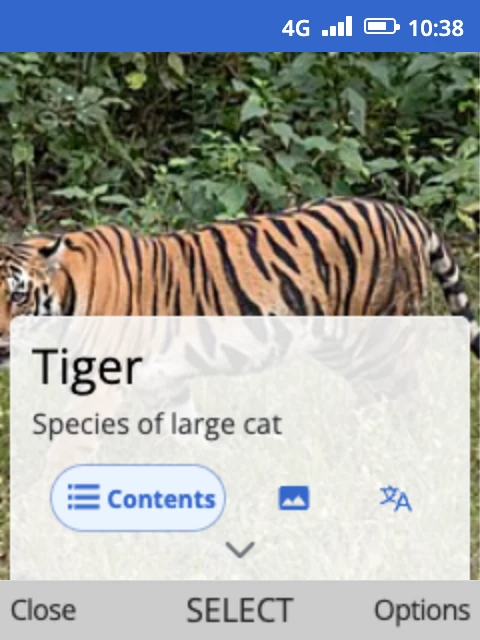
A Wikipedia reading app for smart feature phones. Designed keypad-first navigation and reading layouts for 2.8" non-touch screens, targeting first-time internet users in emerging markets.

2021 – 2022
2,714+

stories created, 89 returning editors

Wikistories

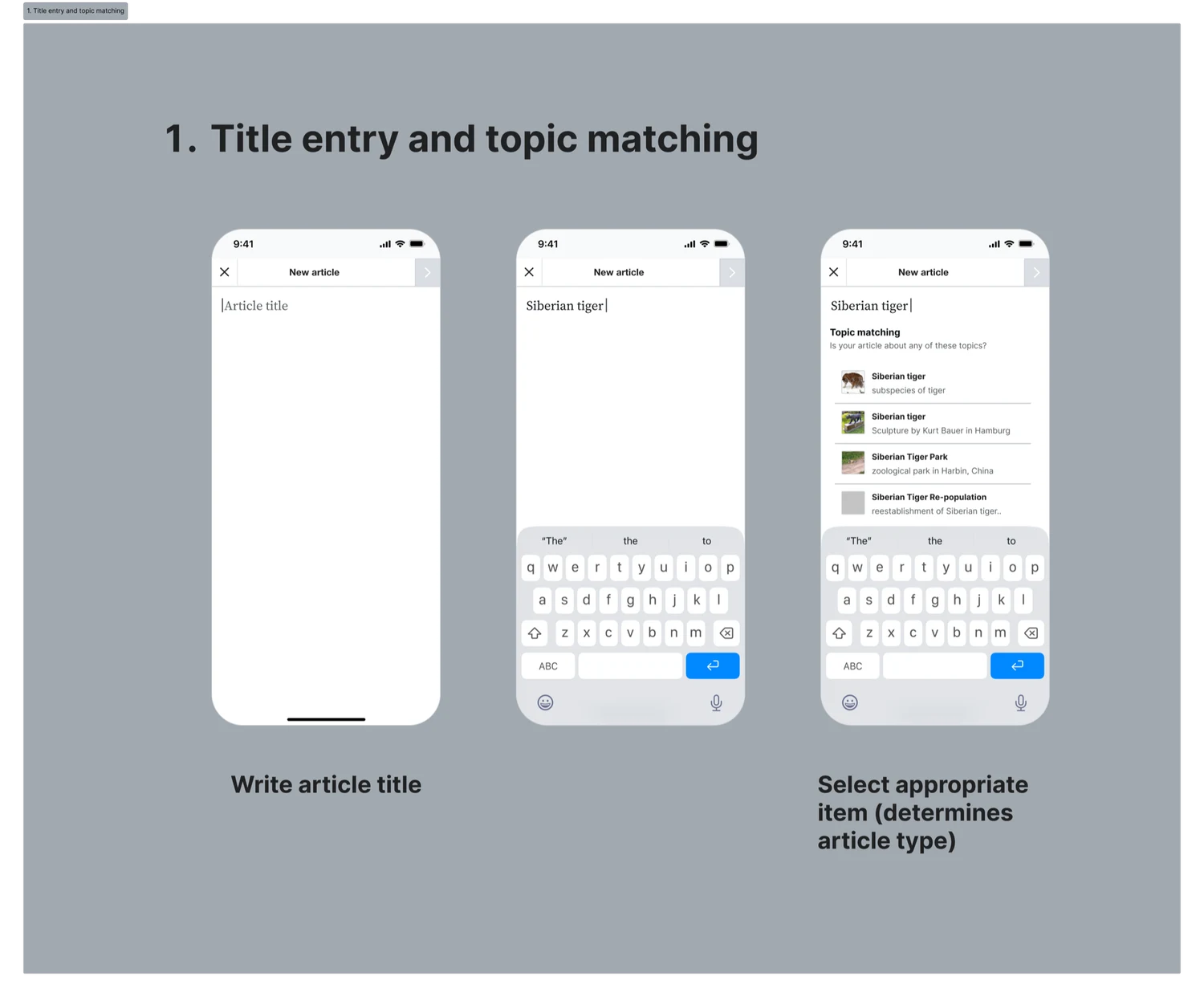
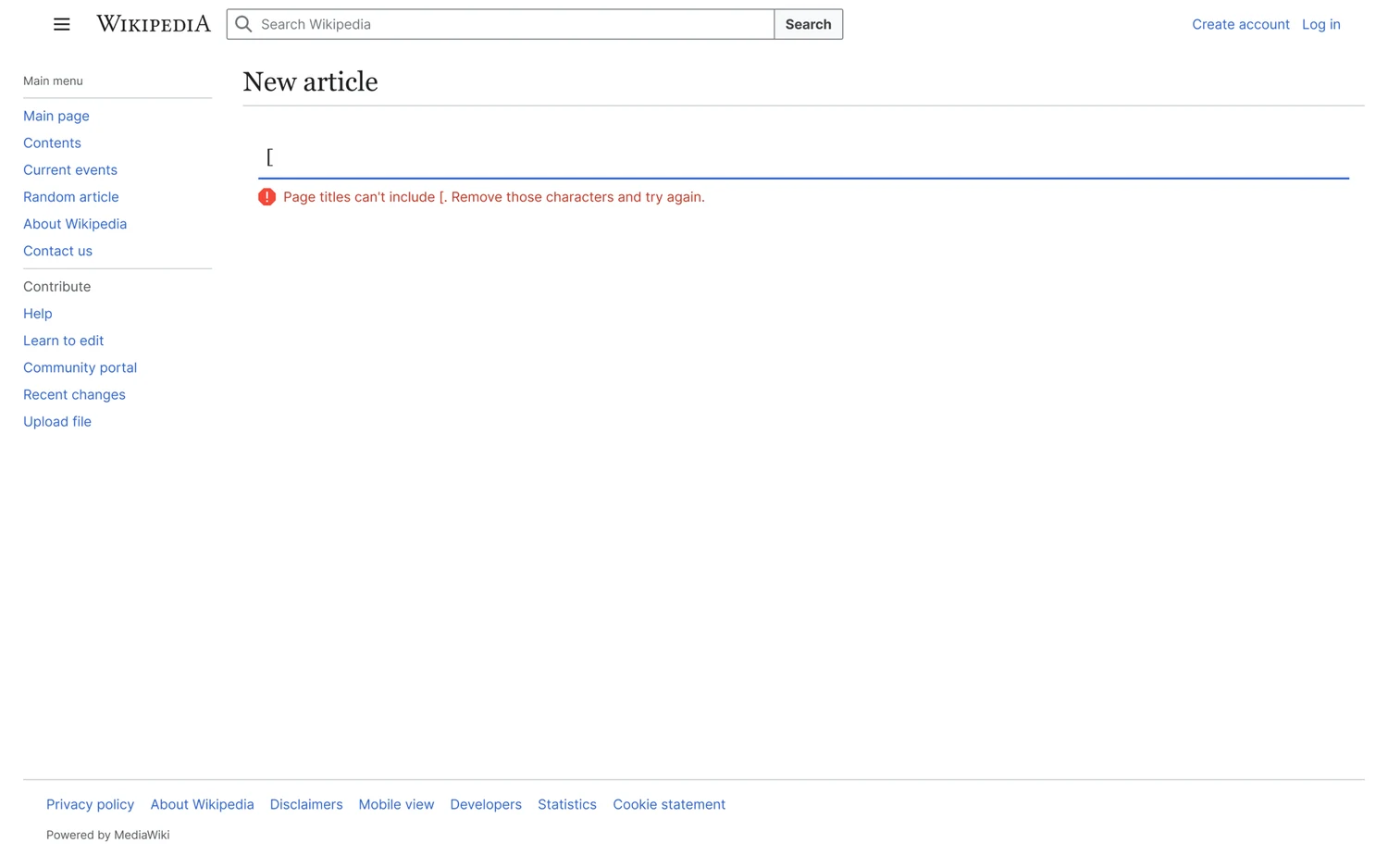
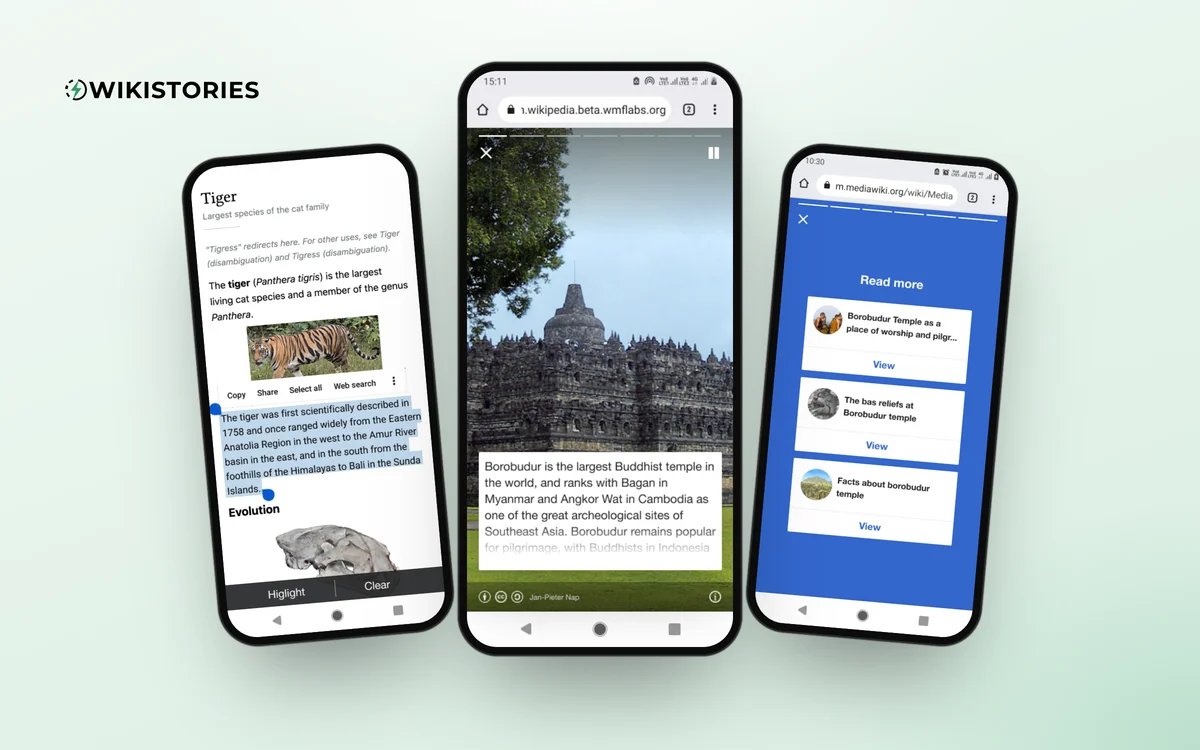
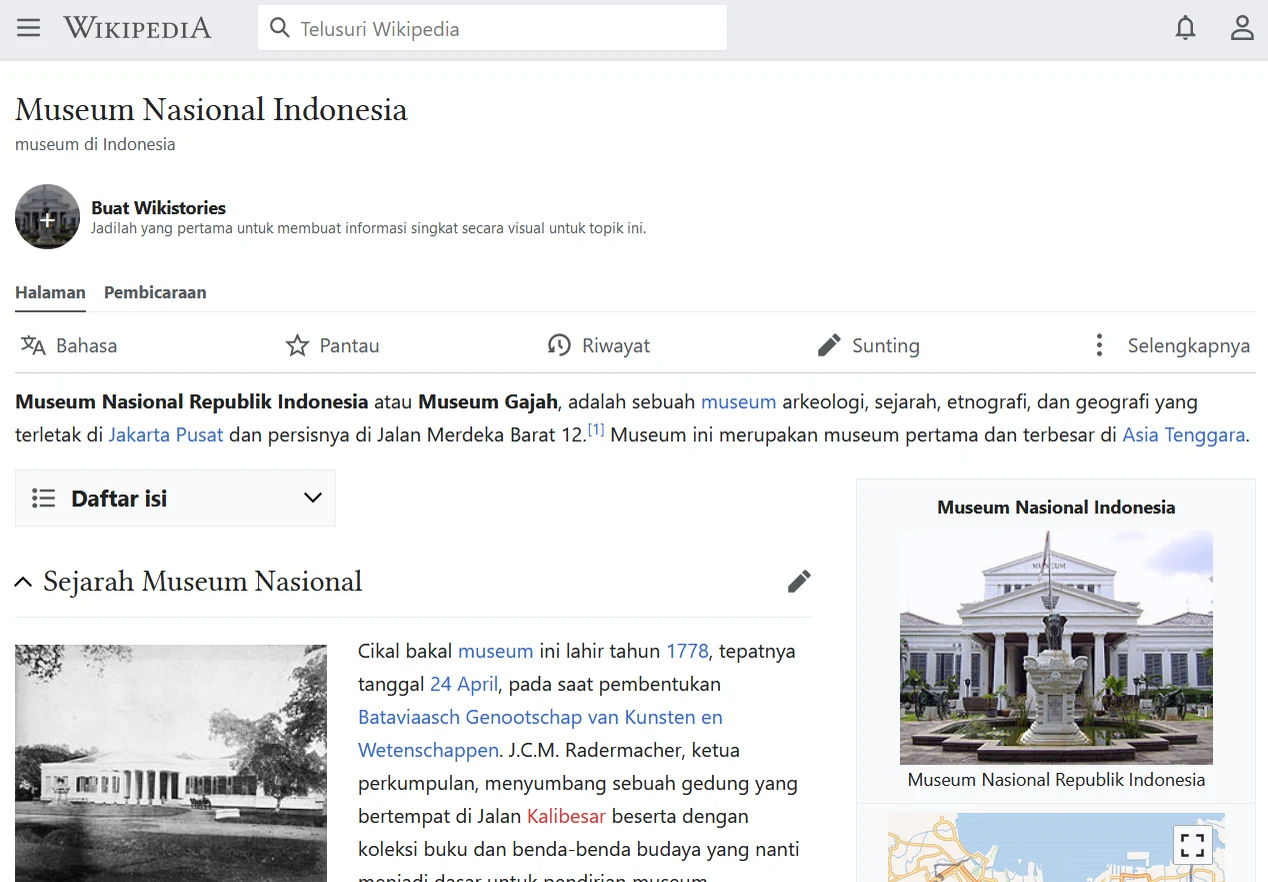
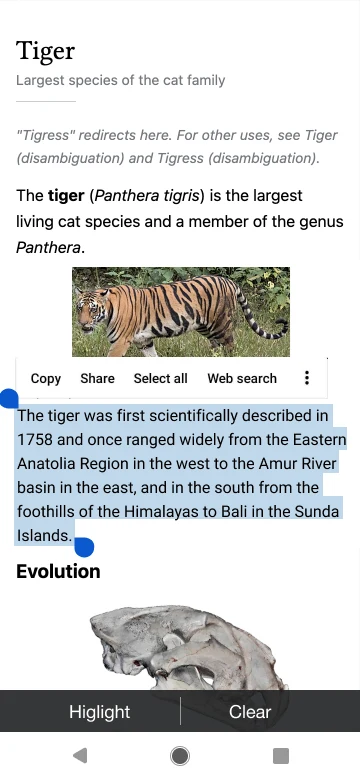
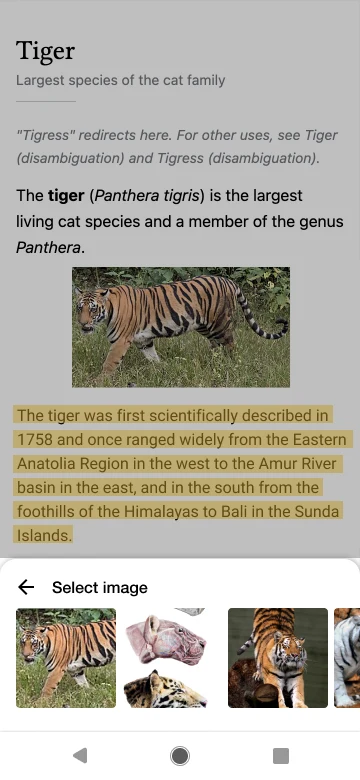
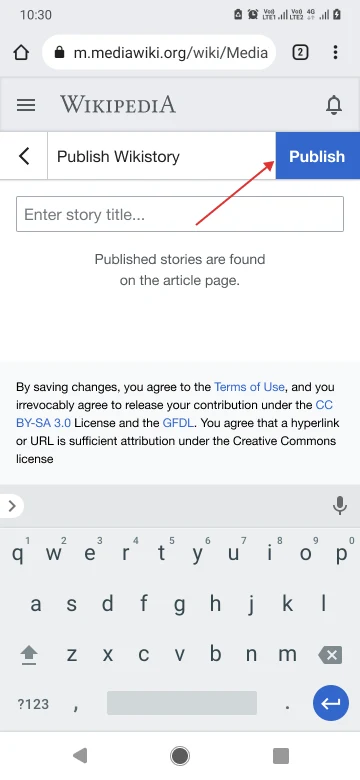
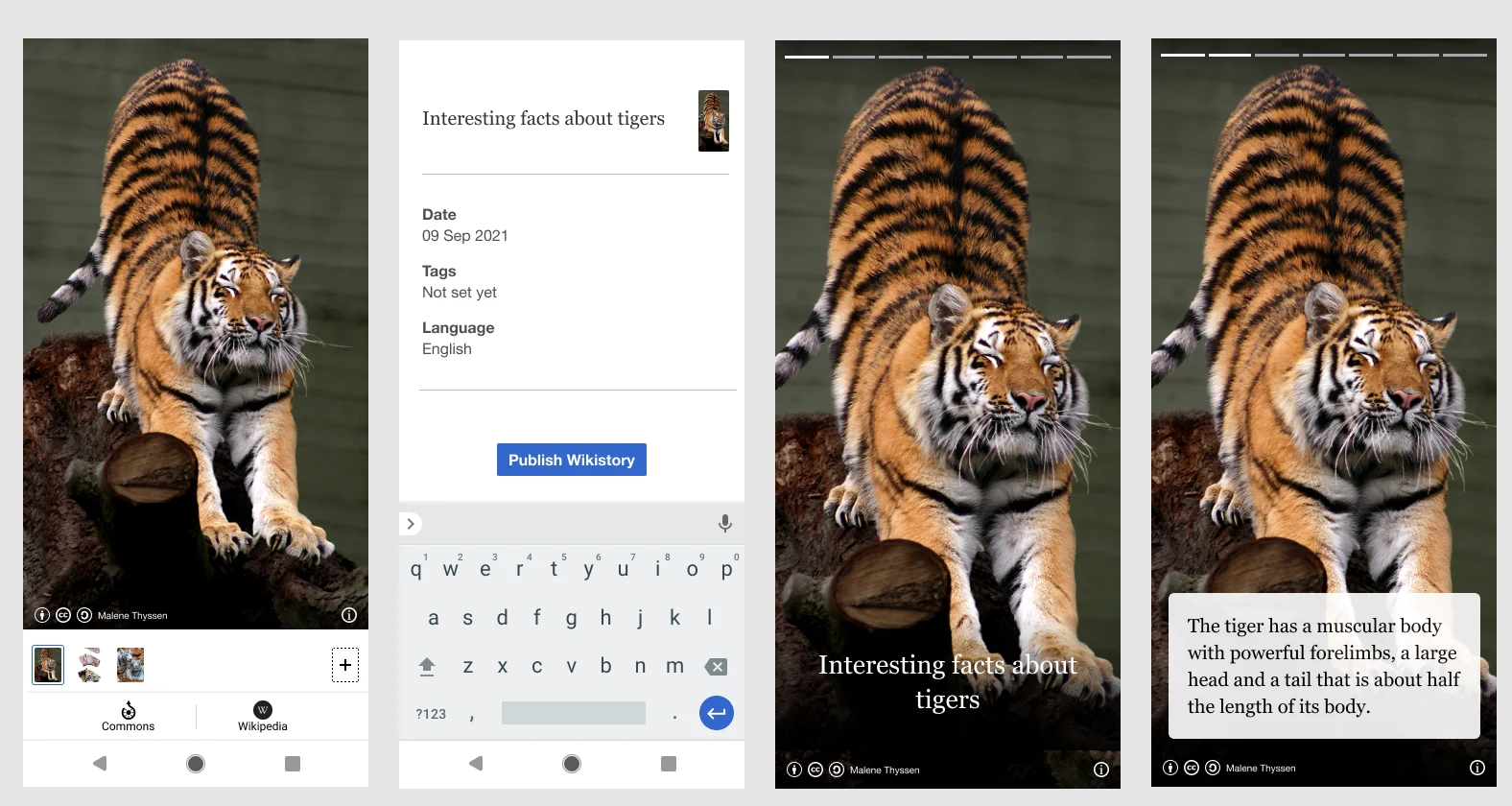
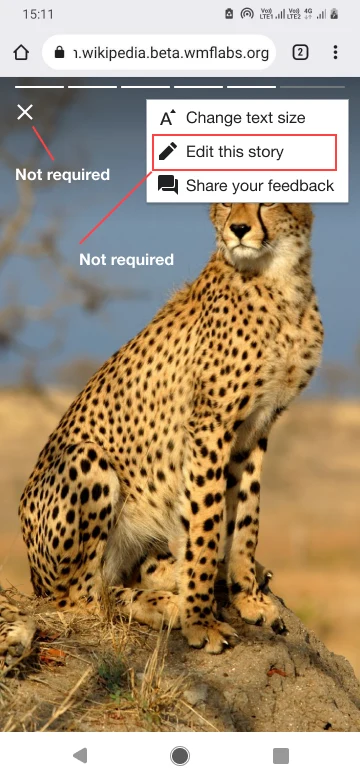
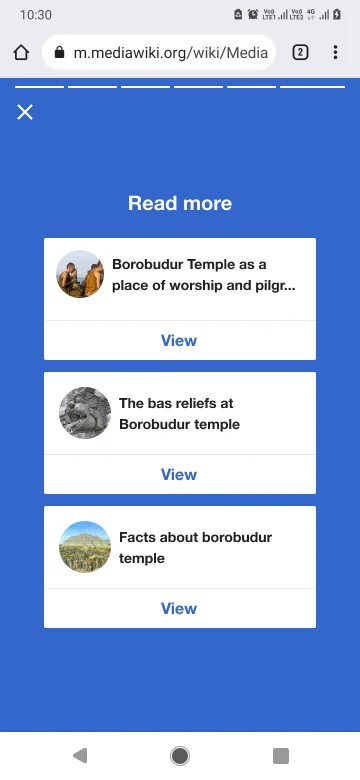
A visual storytelling format for Wikipedia. Turns articles into short, card-based stories using images from Wikimedia Commons. Designed and piloted with the Indonesian Wikipedia community through workshops in 4 cities.

2022 – now
300+

Wikipedia language editions

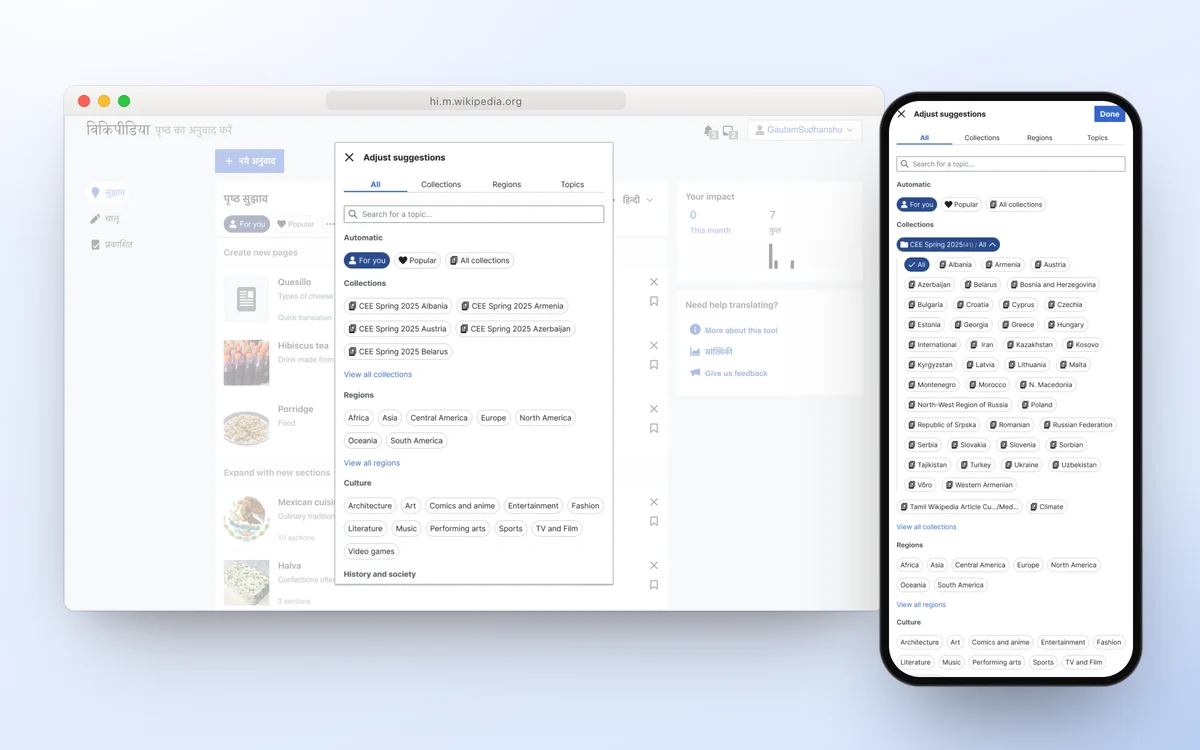
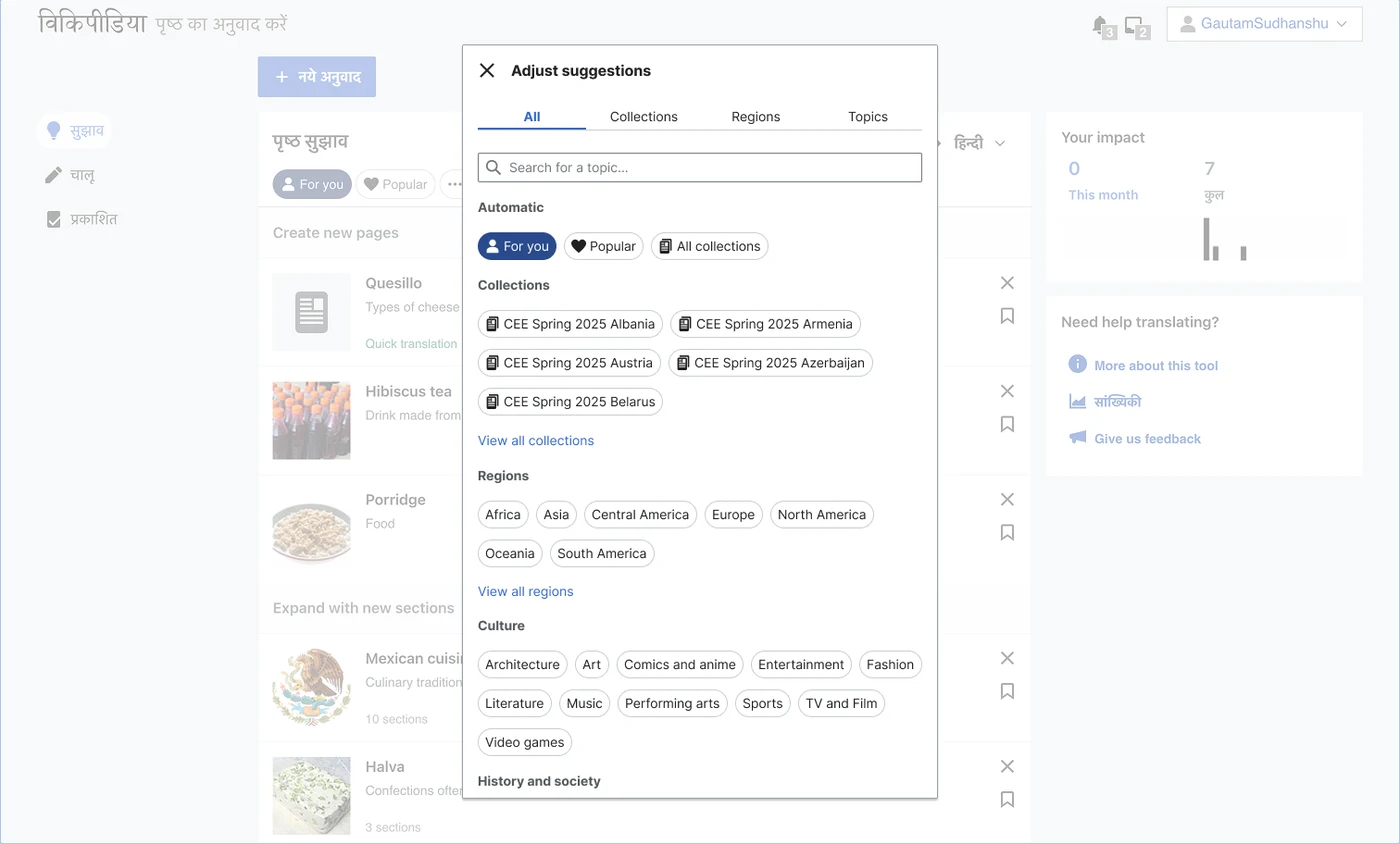
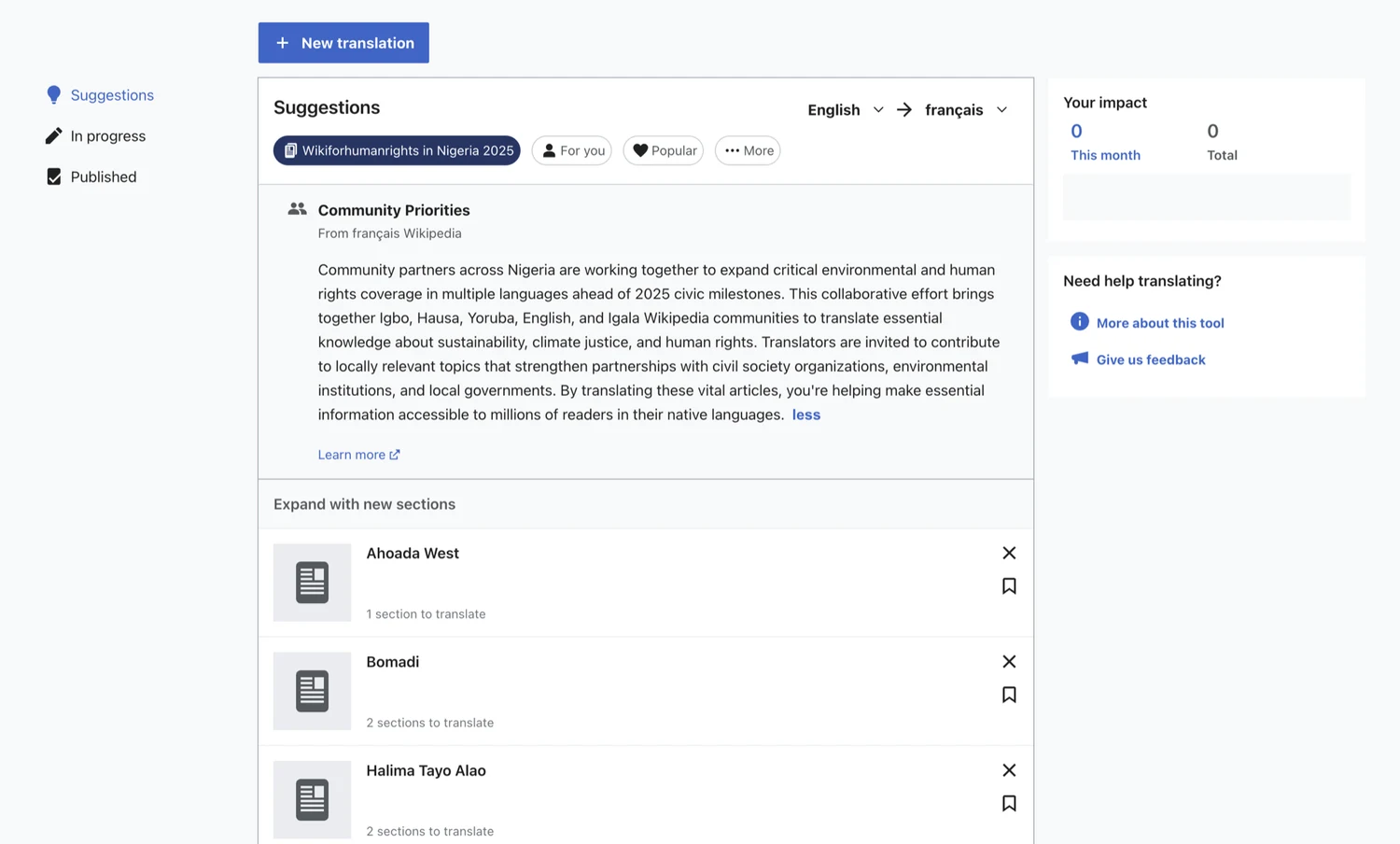
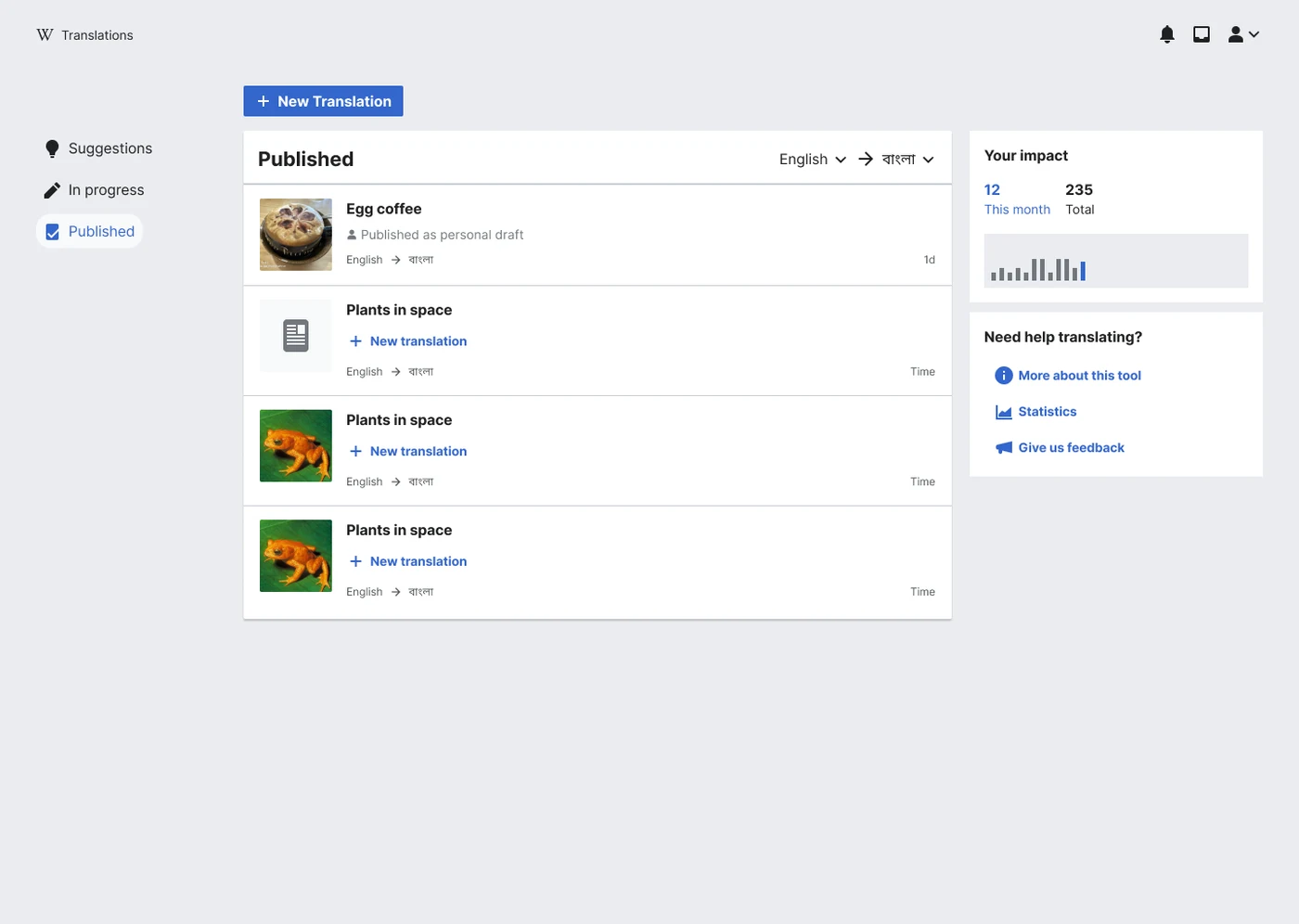
Content Translation

A tool that helps Wikipedia editors translate articles across languages with integrated machine translation. Supporting UX for the translation workflow, working with volunteer translators across language communities.

Projects

Things I've designed and built

Apps, tools and a channel I've made on my own. Open any of them for the full story.

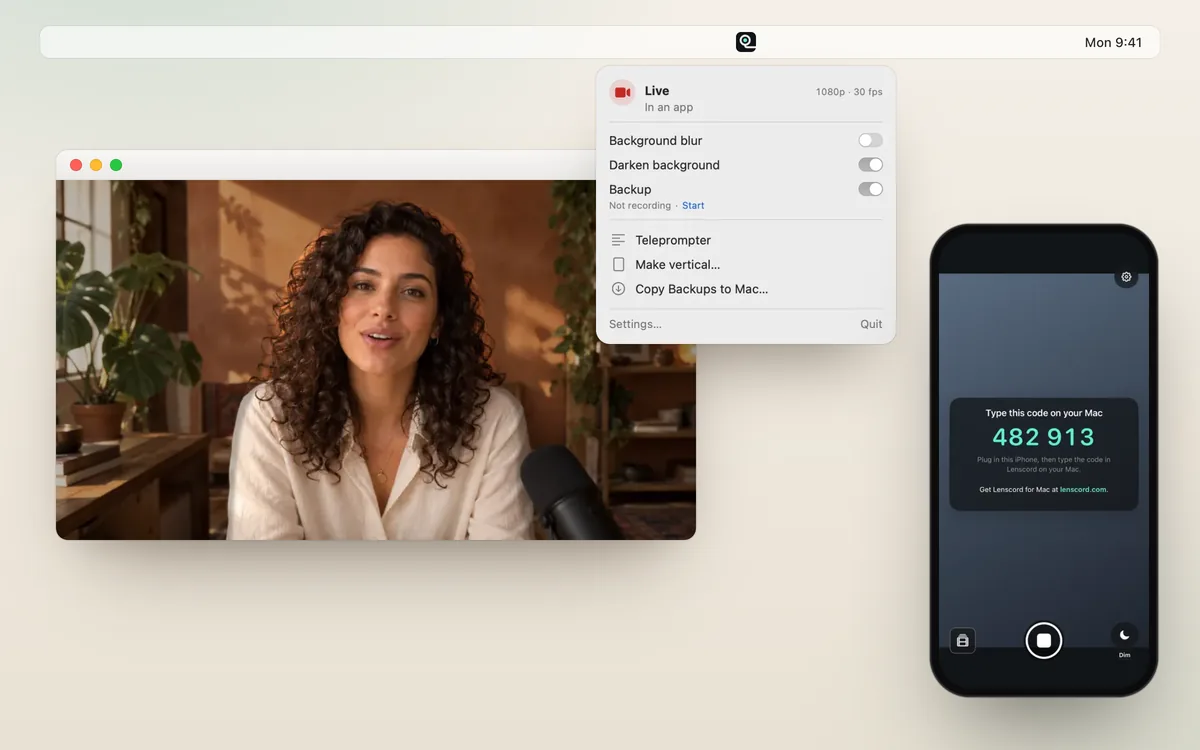
Lenscord on a Mac and an iPhone: the menu bar panel, a video call and the iPhone pairing screen

iPhone + Mac apps · 2026

Lenscord

Your iPhone, as your Mac's camera. Plug it in with one cable and look great in Zoom, Meet, FaceTime and OBS.

  • 4Kinto OBS
  • 1USB cable
  • 0accounts or cloud
In private testinglenscord.com ↗
Read the full storyShow less

Mac webcams make people look worse than they really do. Lenscord turns the iPhone you already own into your Mac's camera, plus the tools to record like a pro.

It's two apps. The iPhone app captures and encodes the video. The Mac menu bar app hands it to video calls as a camera called “Lenscord”, and to OBS as a 4K source. The live video only travels over the cable to your own Mac. Solo: product, design and build, with Swift and Claude Code. iPhone build 27 went to TestFlight on 25 October 2026.

4KNative 3840 × 2160 into OBS, at 24 to 60 fps
1USB cable, with no Wi-Fi to drop mid-recording
0Accounts, cloud services or OBS plugins
10Test suites the release script runs before uploading a build
On the Mac

A calm menu bar app

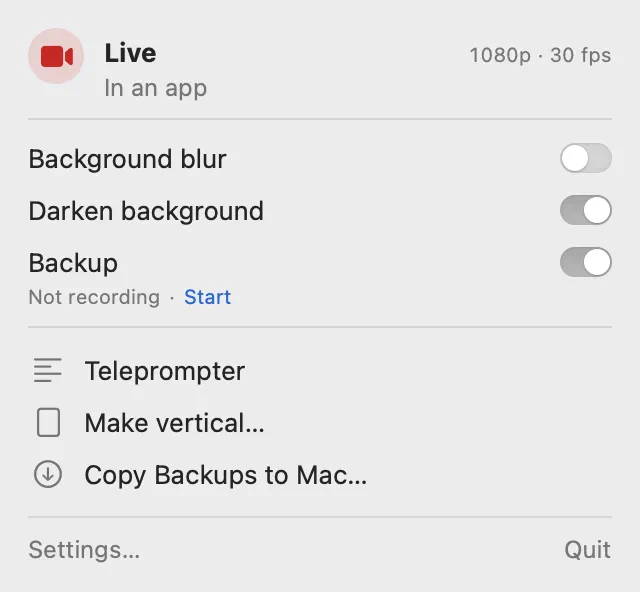
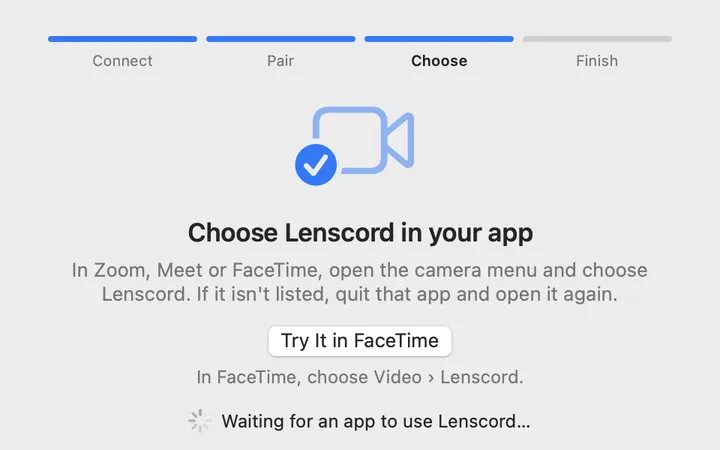
The panel shows one status word, at most one button and three switches. Everything else lives in Settings. Setup goes Connect, Pair, Choose and Finish, and each step moves on by itself as soon as it works.
The panel

One status word, three switches, then the tools.

Lenscord menu bar panel: Live in an app, switches for Background blur, Darken background and Backup

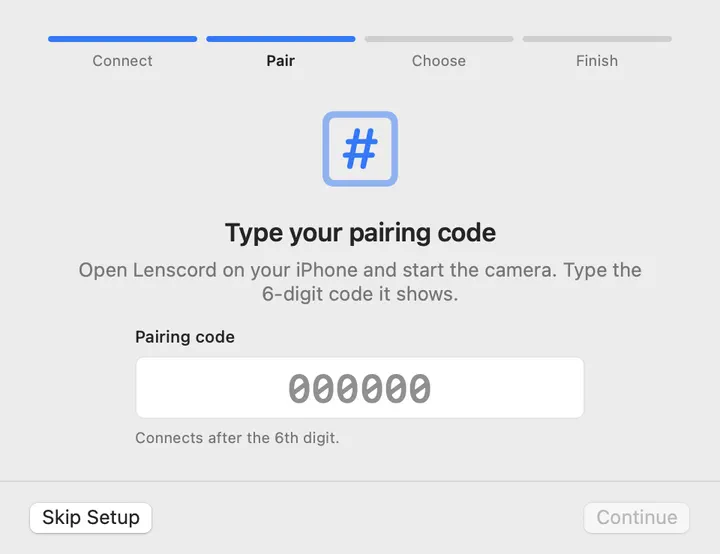
Pair once

Type the iPhone's six-digit code once. After that, the two connect by themselves.

Setup step two of four: Type your pairing code

Choose where it goes

Video calls and other apps, OBS, or both.

Setup step three of four: Choose Lenscord in your app

A teleprompter that follows your voice

It scrolls as you talk. Speech is recognised on the Mac, never on a server.

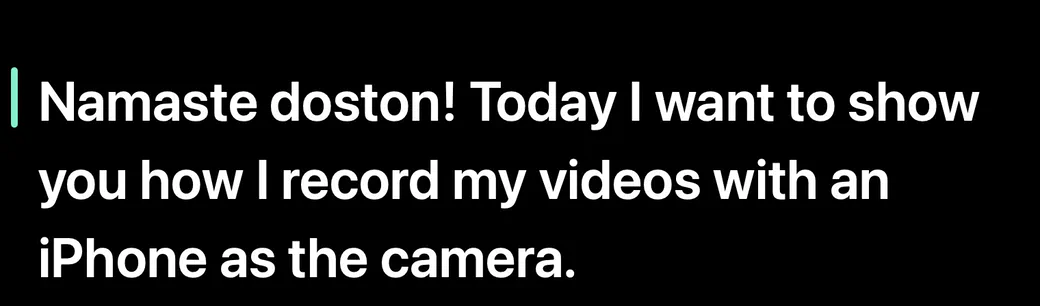
Teleprompter window showing a script line in large white text

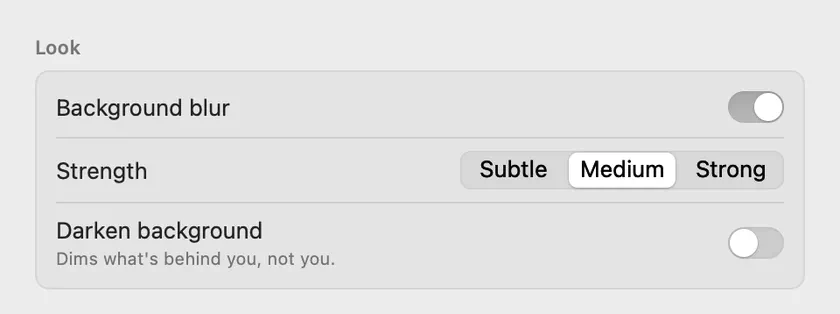
Look

Background blur and Darken background run on the iPhone.

Look settings: Background blur with Subtle, Medium and Strong, and Darken background

Mac screens from lenscord.com, with demo data. The product shot above is built from Lenscord's own marketing art: the person is an illustration.

On the iPhone

A camera app, not a control panel

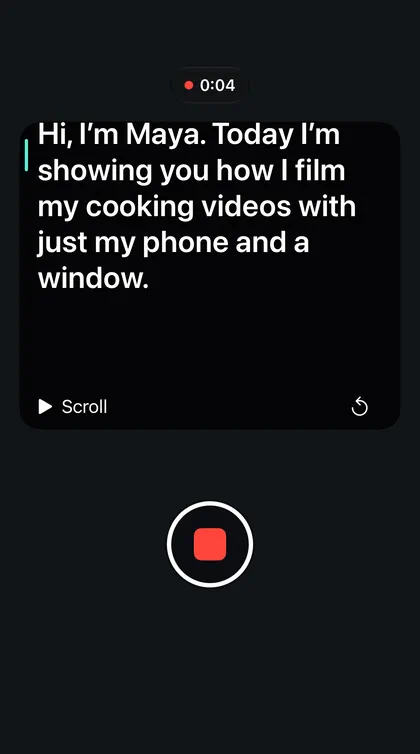
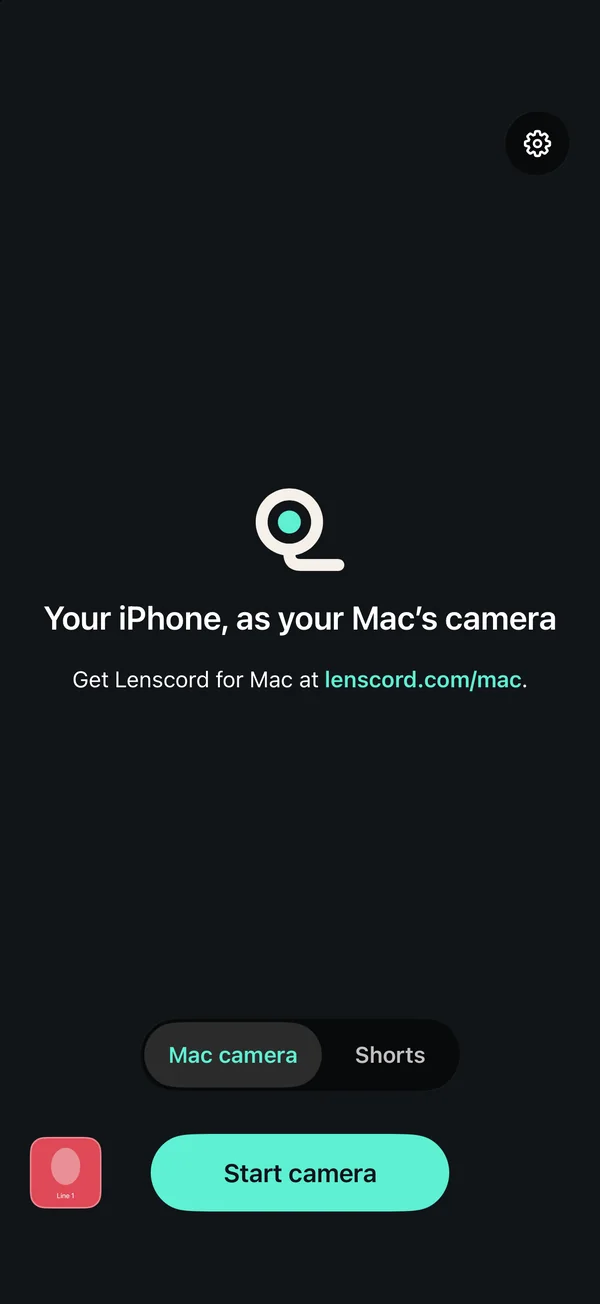
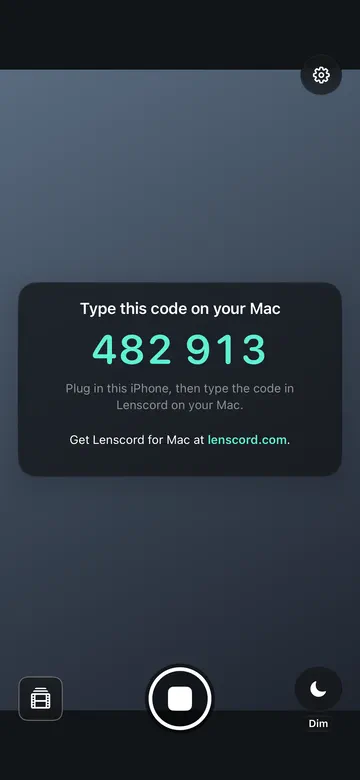
One camera screen with two modes, Mac camera and Shorts, above a shutter row that never moves, like Apple's Camera. Opening it never starts the camera. In Shorts, the script sits right under the lens and waits when you pause.

Home screen: Your iPhone, as your Mac's camera, with the Mac camera and Shorts switch
Two modes
Pairing screen: Type this code on your Mac, 482 913
Pairing code
Shorts recording: the script in large text near the top and a red stop button
Shorts teleprompter
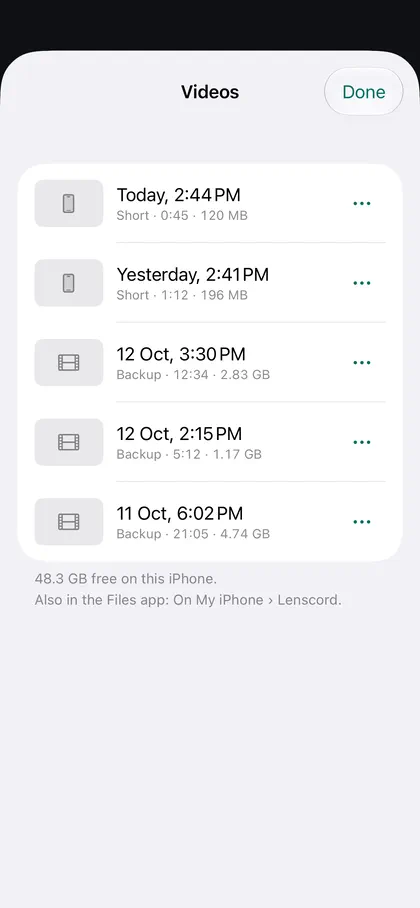
Videos list with Shorts and backups
Videos

iPhone screens from the current build and from lenscord.com, with demo data.

Language

One plain vocabulary

The iPhone, the Mac, the website and the docs share one small set of words. Status is always one short phrase from the same list, and some words never appear on screen at all.

ReadyLivePausedReconnecting…Not connectedRestarting the camera…
relayviewertakesslotphase
01

Don't drop the picture

If the cable wiggles or a call comes in, OBS keeps the last picture and carries on in the same recording. Backups are written in parts, so even a crash leaves a playable file.

02

Say what's happening

When the phone gets hot, Lenscord turns effects off first and lowers the frame rate only as a last resort, never the picture size, and both apps say so in one line.

03

Honest about the alternatives

Apple's Continuity Camera is free and built in, so the site compares all three options with sources: “For quick calls, it's great. … Lenscord is for when you're making something.”

Five Promptbook App Store screenshots

iPhone app · 2026

Promptbook

Say it once. Use it forever. A private home on your iPhone for the AI prompts you reuse.

  • 0servers
  • 3languages, on device
  • 25 daysto the App Store
On the App StoreApp Store ↗
Read the full storyShow less

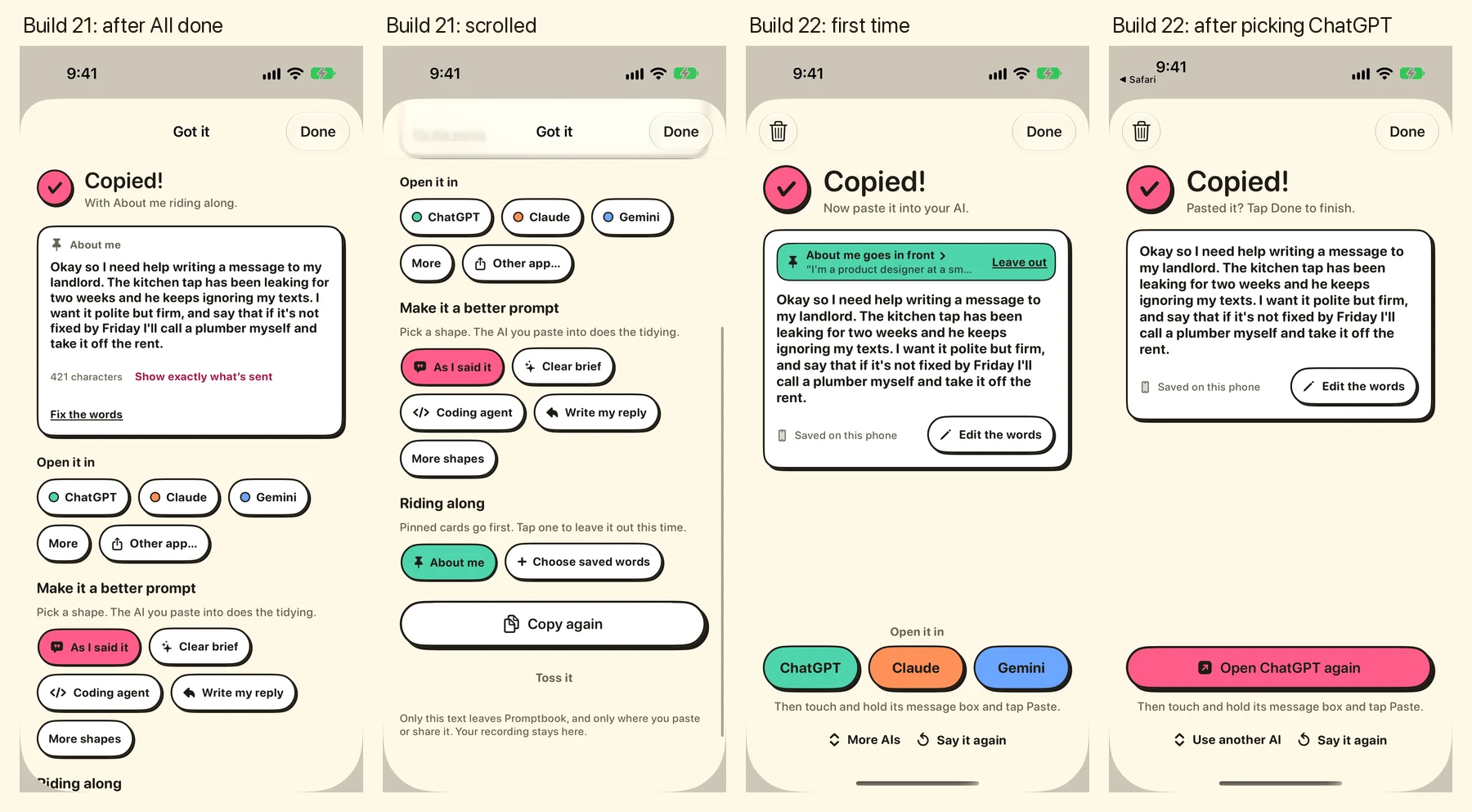
Many of the prompts we give AI tools get used again and again: who you are, what the project is, how you want the answer written.

Promptbook keeps them in one private place. You talk, it writes your words down on the iPhone, and one tap copies them, ready to paste into any app. Solo: product, design and build, in Swift with Claude Code and no third-party dependencies.

0Servers. Your voice is turned into words on the iPhone
3Languages: English (India), English (US) and Hindi
1 tapTo copy a prompt and paste it into any app
25 daysFrom the first commit to the App Store
App Store screenshot: Just say it
Just say it
App Store screenshot: It writes itself down
It writes itself down
App Store screenshot: Tap once to copy
Tap once to copy
App Store screenshot: Find it in seconds
Find it in seconds

From the App Store listing for version 1.0.1.

01

Nothing leaves the phone

Speech recognition runs on the device only. A check in the build fails if the app's code ever references a network client.

02

Copy, don't type for you

An early build had a custom keyboard. It couldn't actually type, which put App Review at risk, so I removed it. Copying works everywhere a keyboard would.

03

No gaps in long recordings

Where the recogniser takes about a minute at a time, recordings are split into 45-second chunks that overlap by two seconds, and the repeated words are stitched out.

04

Never lose the book

Saves are atomic and keep the previous copy. A book that can't be read gets a recovery screen instead of being overwritten.

05

The right microphone for words

Recording uses the built-in microphone and skips Bluetooth headsets, whose call-quality audio is worse for recognition.

06

The deck sorts itself

New prompts sit on top and the ones you use most rise, so the right card is usually already in reach.

Next: version 1.2

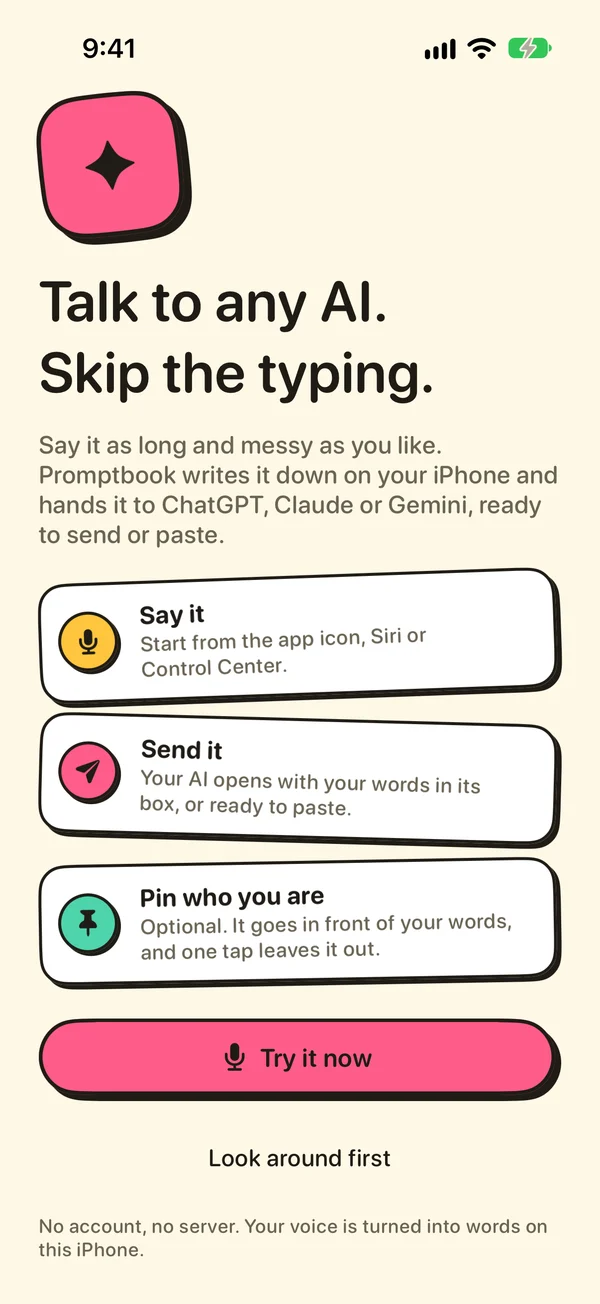
Talk to any AI. Skip the typing.

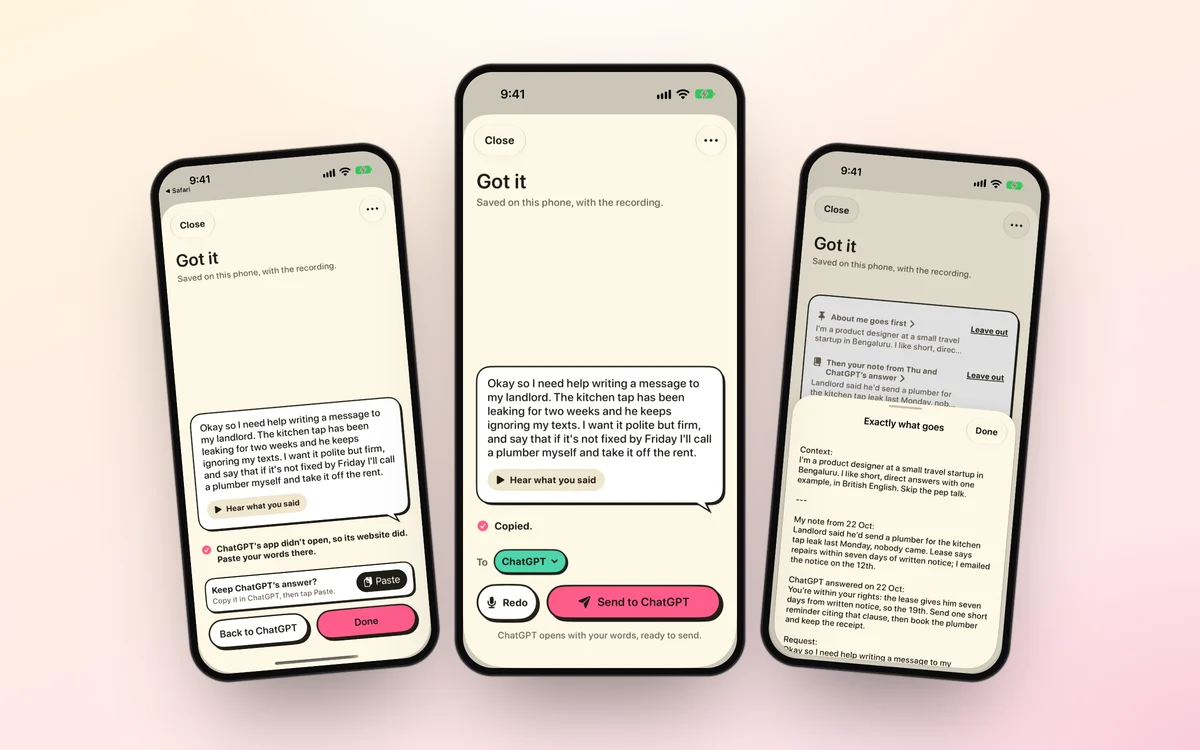
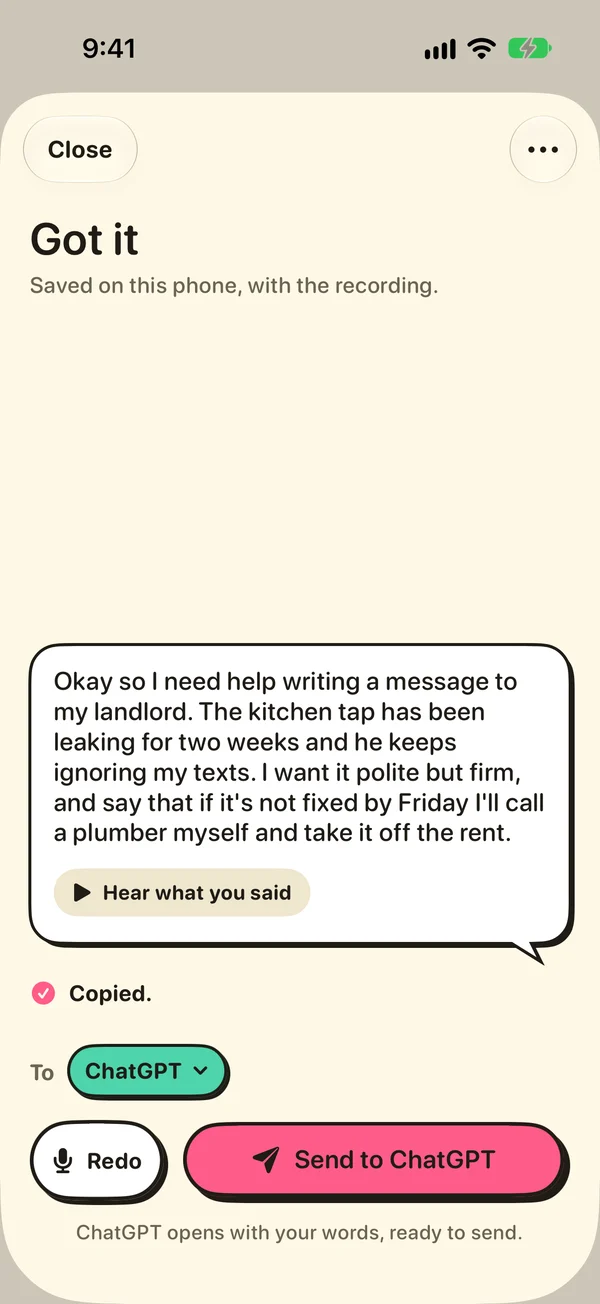
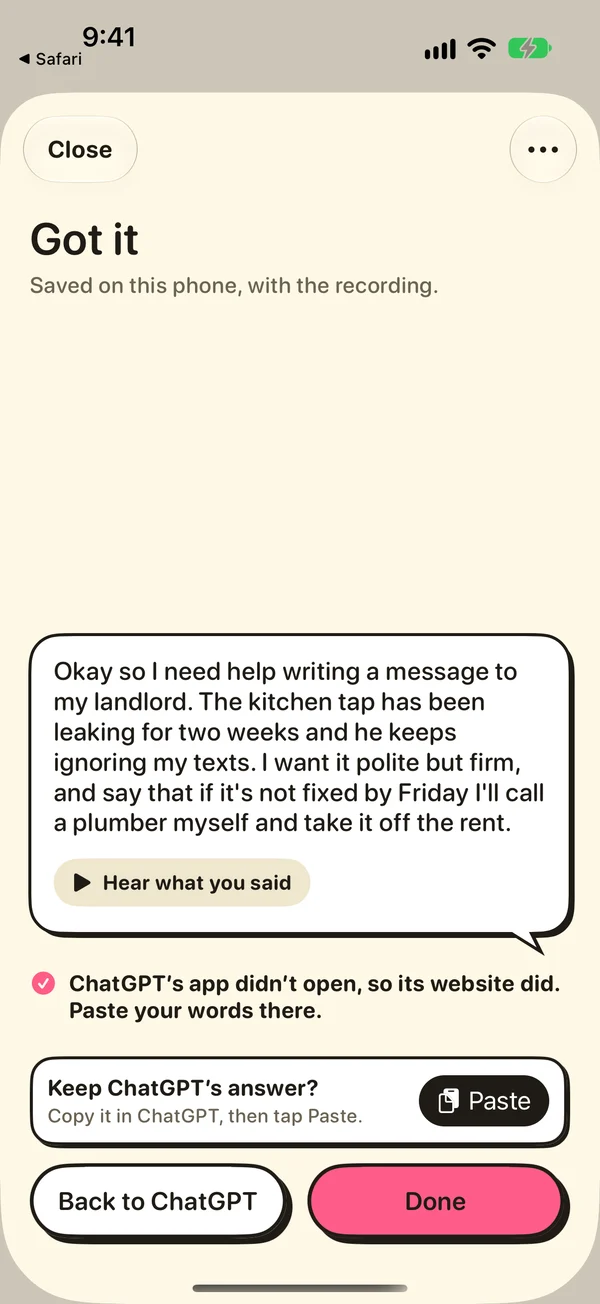
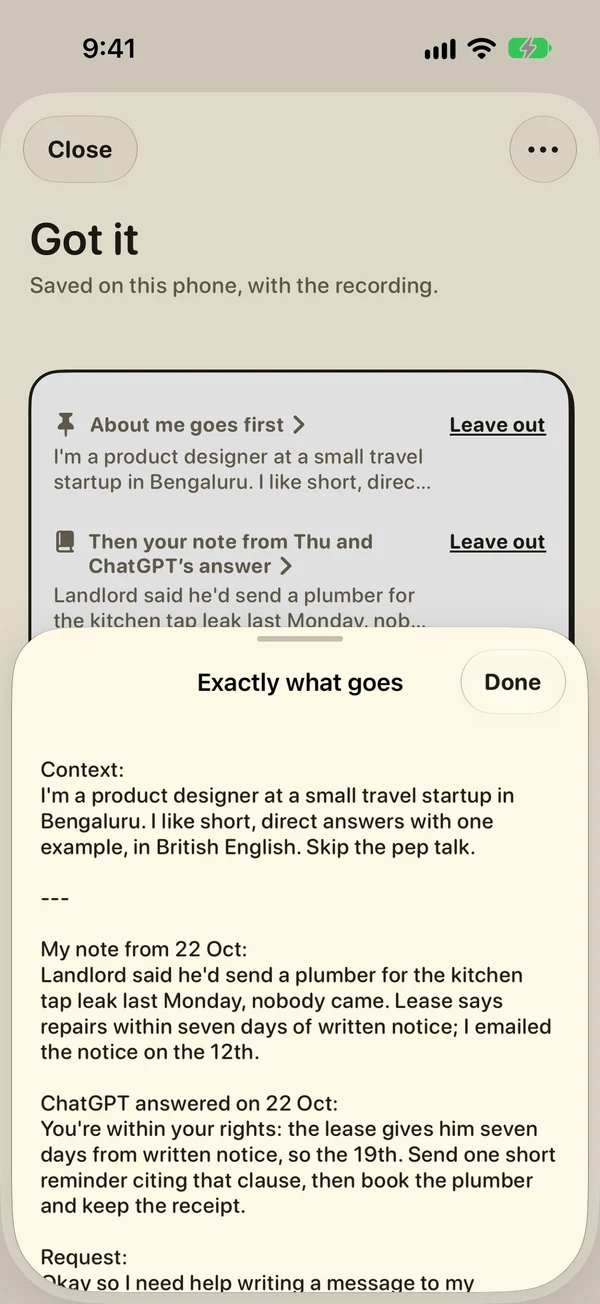
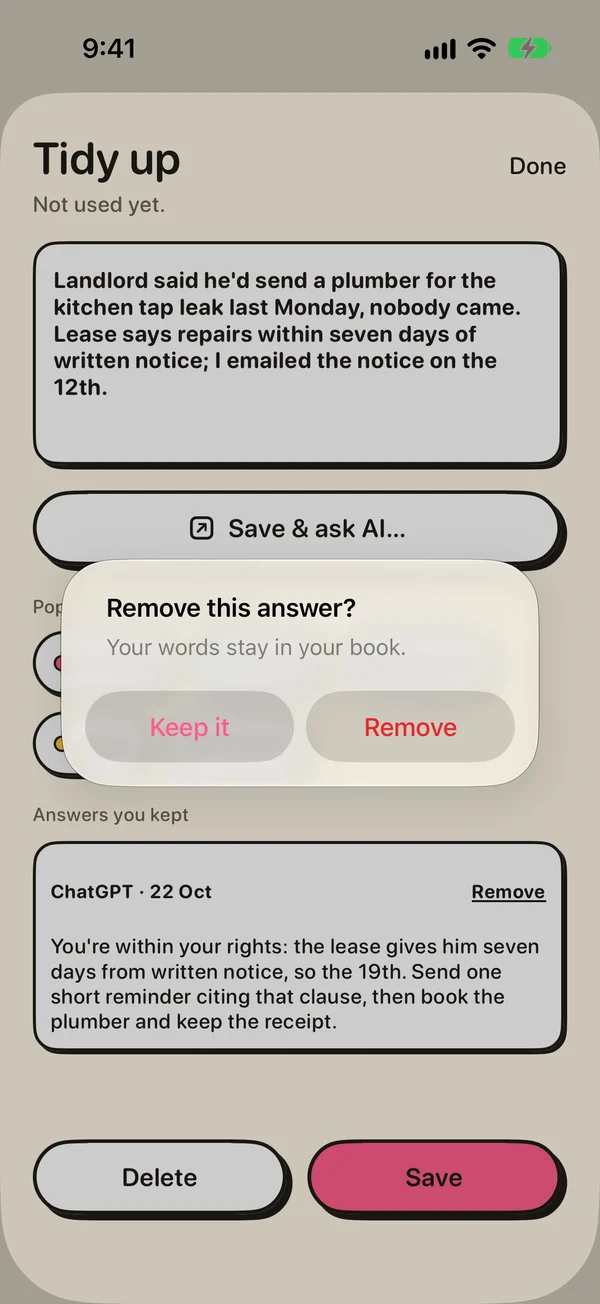
Version 1.2 went to TestFlight on 26 October 2026. Start from the app icon, Siri, a widget or Control Center, and it opens already listening. When you stop, your words are already copied, and one tap opens ChatGPT, Claude or Gemini.

Eight screens from Promptbook 1.2

Screens from the 1.2 build in TestFlight.

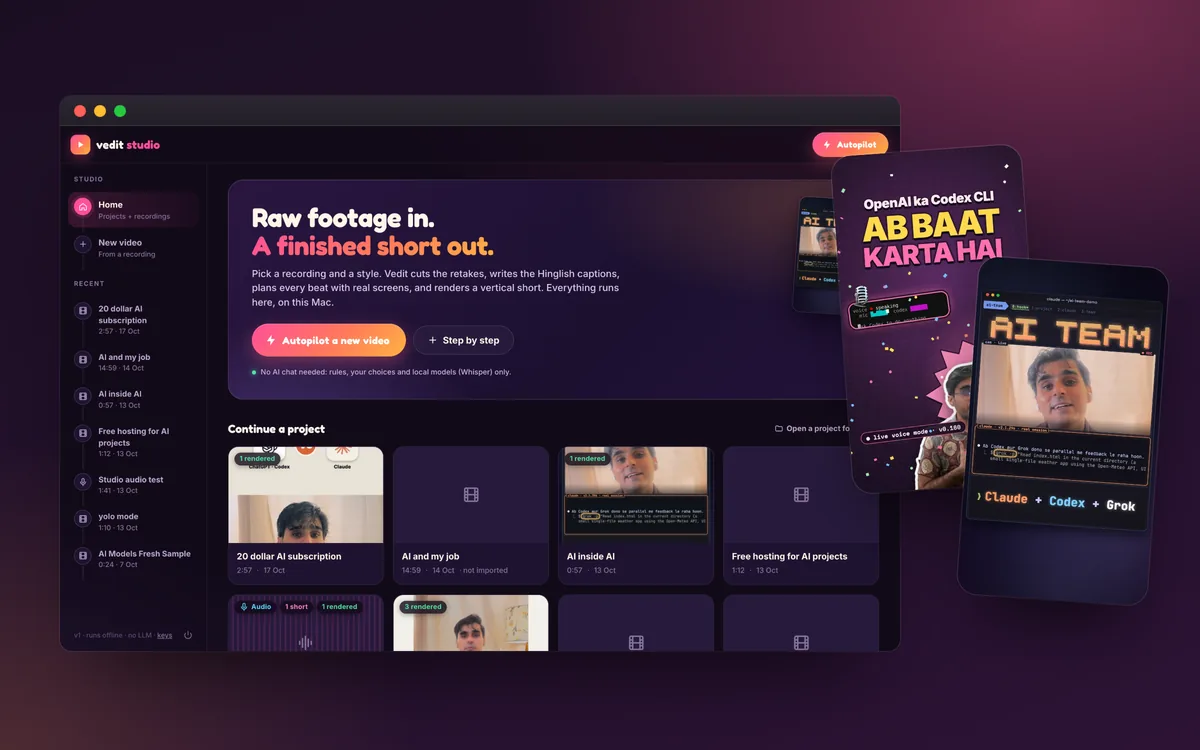
Vedit Studio on a Mac, with two reel covers it made

Video editor · 2026

Vedit

Raw footage in. A finished short out. The editor I built to turn my recordings into YouTube videos and Shorts.

  • 9:57from 11:22 raw
  • 50synthesised sounds
  • 0LLMs in Autopilot
Personal toolWatch me use it ↗
Read the full storyShow less

I record in Hinglish and English: a 4K talking head in OBS, clips from my iPhone, and screen recordings of the tools I'm testing.

Vedit turns that into a finished 16:9 YouTube edit plus vertical Shorts and Reels: cut, captioned, colour-graded, scored and checked. As a Claude Code skill, Claude makes the editorial calls. Vedit Studio, the Mac app, has an Autopilot that runs on rules, my choices and local models like Whisper, with no language model at all.

9:57The finished video about Vedit, cut from an 11:22 raw recording
50Sound effects it synthesises, with no stock music or samples
7Styles the Autopilot can render
0Language models inside the Autopilot
In motion

Real reels it made

Each style is a full visual system with its own captions, graphics and sound: word-pop captions and stickers, a terminal look, explainer cards that build up, and a race between three AIs with live timers.

Plum-pop
Terminal
Cards
One prompt, 3 AIs

Clips from reels Vedit rendered, muted here.

Pipeline

Every step, checked before export

It cuts retakes and fillers, writes Hinglish captions that pop with my voice, and hides emails and OTPs with masks that follow the screen. Then it grades, adds music and sound, and runs a QA check on lip sync, loudness, captions and privacy.

  1. 01Ingest
  2. 02Clean cut
  3. 03Captions
  4. 04Privacy
  5. 05Look
  6. 06Graphics
  7. 07Sound
  8. 08Render
  9. 09QA
  10. 10Deliver
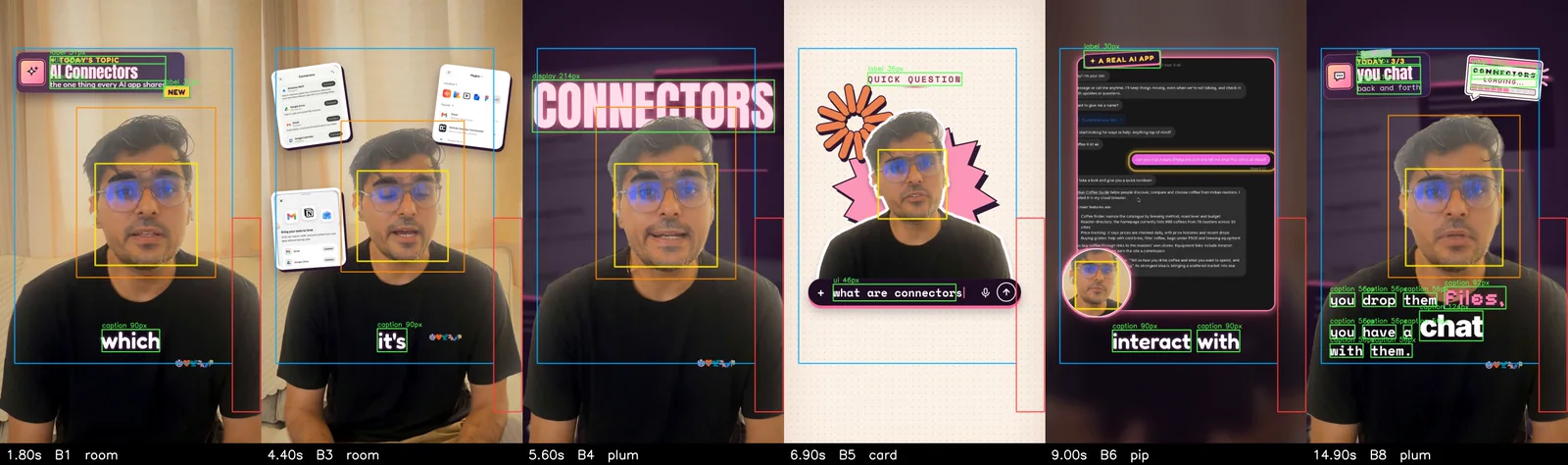
A QA board of six vertical frames, marked with face boxes, safe areas and caption sizes

A QA board from a sample edit: faces, safe areas and text sizes marked on every beat.

Rule 01

Never touch the originals

Projects point to the footage, and the originals are never modified or uploaded.

Rule 02

Hide anything private, everywhere

Credentials, codes, personal details and other people's chats are masked for the whole video.

Rule 03

Accuracy beats hype

Every claim on screen has to be true, and visible or said in the footage.

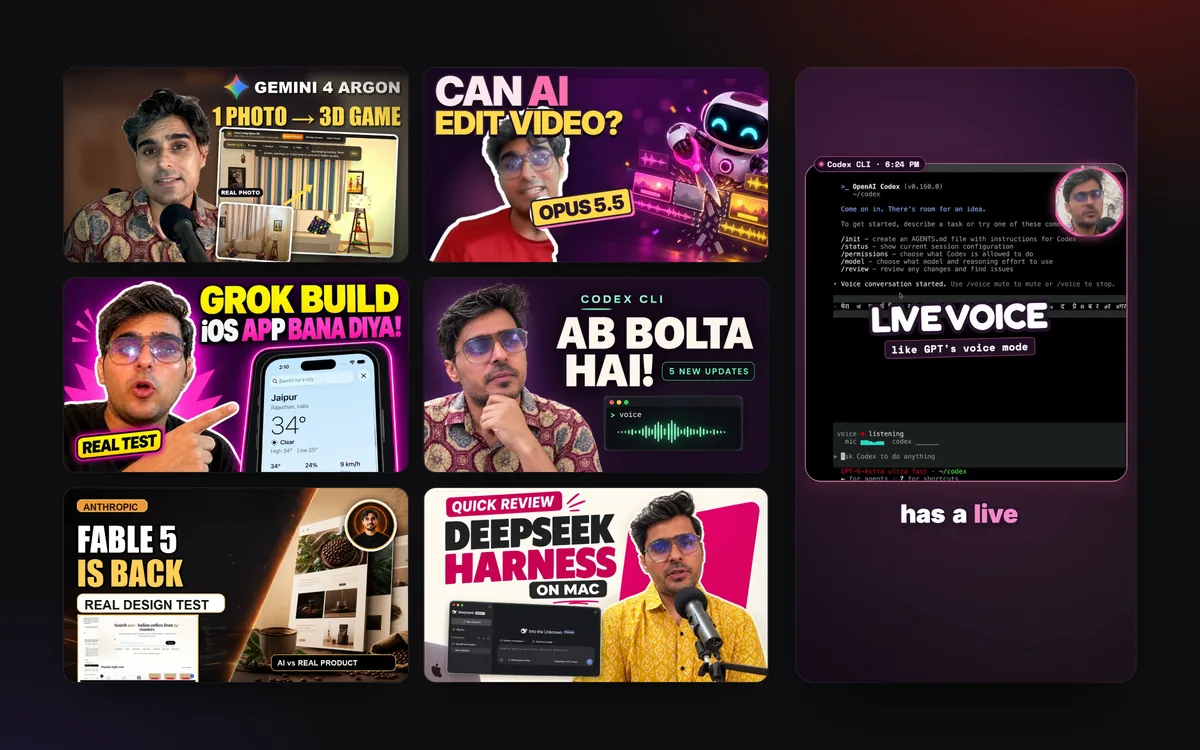
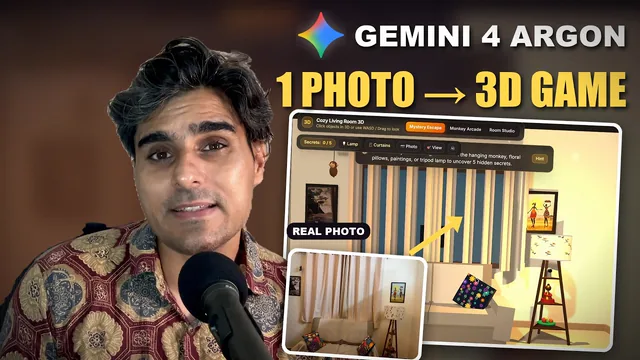
Six video thumbnails and one Short from the channel

YouTube channel · since May 2026

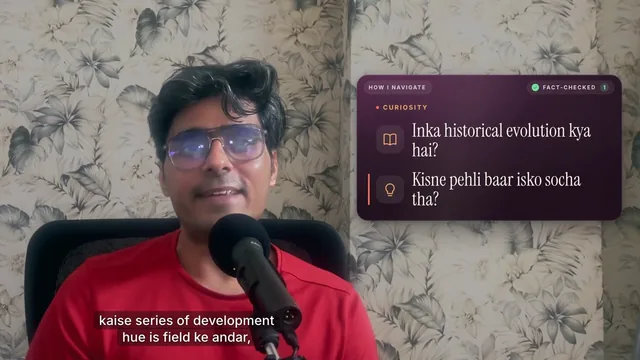
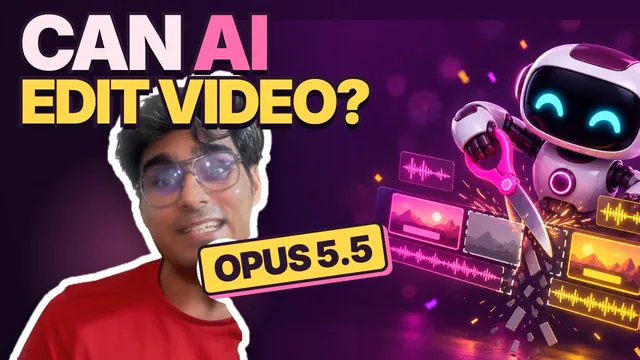
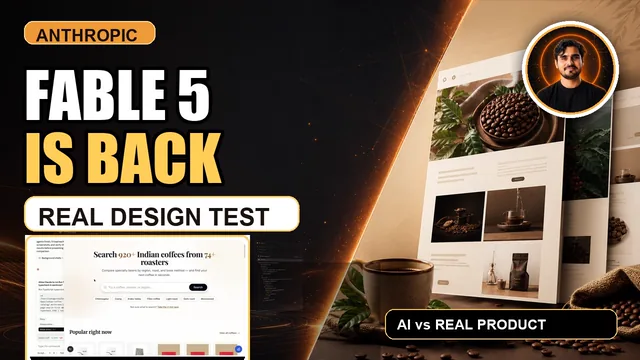
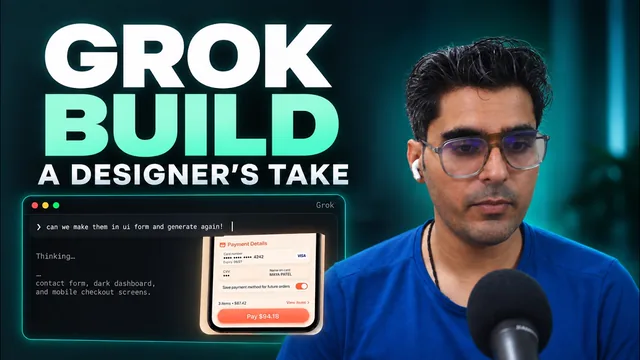
Learning AI in public

A designer trying AI agents, design and coding tools on camera, in English and Hinglish: what worked, what didn't, and what I'm still figuring out.

  • 14videos
  • 40Shorts
  • 2languages
See the videosShow less

Website · 2026

whichcli.com

Does your software have a CLI? A verified directory of 78 developer tools, with install commands and the publisher's own docs.

  • 78tools
  • 0guessed commands
  • AI-runhuman-accountable
Read the full storyShow less

When you work with coding agents, it helps to know whether a product has an official command-line tool, what the command is called and how to install it safely.

whichcli answers that for 78 developer products, from Claude Code and Stripe to Figma and Docker. Every answer links to where it came from, and the site looks and behaves like a terminal you can browse from the keyboard. A solo project; AI agents keep the records up to date, and I'm accountable for them.

01

Evidence, not guesses

Records show status, executable, install command and the date verified, with primary sources.

02

Statuses that say exactly what's true

Figma's CLI is marked “Official · scoped”, because it “is not a general Figma file or design CLI”.

03

Works without JavaScript

All 78 entries stay readable with JavaScript off. JavaScript only adds the interactive previews.

Website · 2025 – now

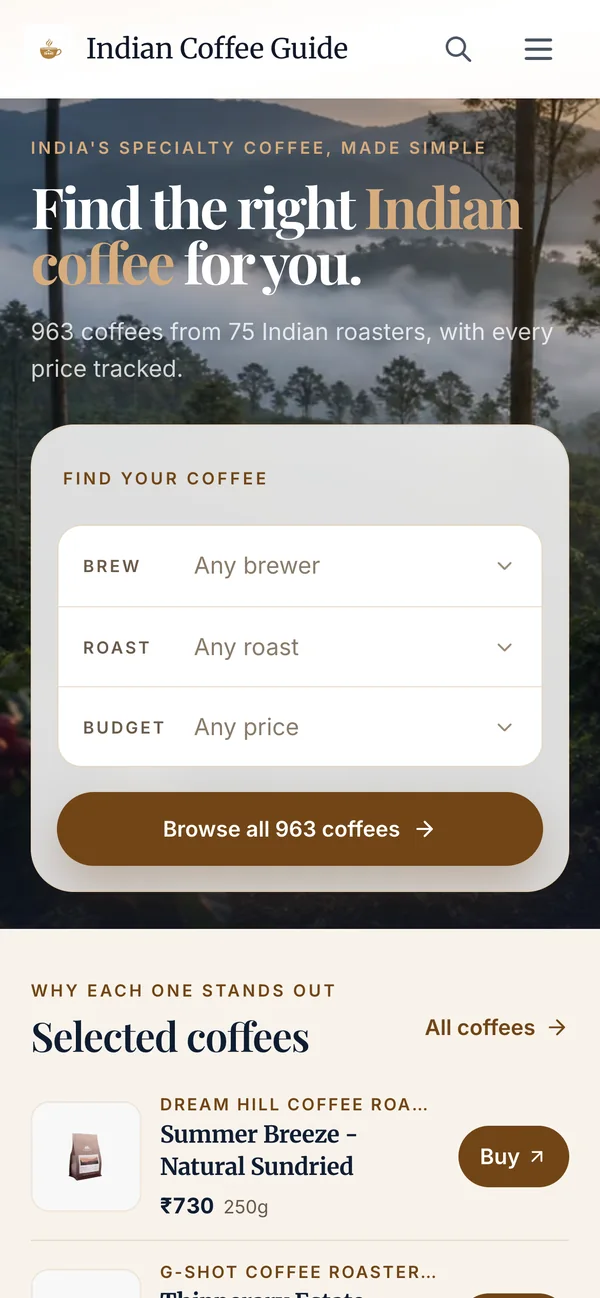
Indian Coffee Guide

India's specialty coffee, made simple. Three taps, no quiz: how you brew, a roast and a budget narrow about 960 coffees to a few.

  • 75roasters
  • 34cities
  • Dailyprice checks
Read the full storyShow less

I built Indian Coffee Guide to make it easy to discover Indian specialty roasters and their coffees in one place.

Product details come from the roasters' own websites. Prices are shown per bag and per 100 g, checked every day, with a list of what got cheaper. Every roaster has a page, and each coffee links straight to the roaster's shop. Built with Next.js, Supabase and Vercel; numbers from October 2026.

75Roasters in the guide
34Cities they roast in
~960Coffees, each with its price per 100 g
DailyPrice checks, with a list of what got cheaper

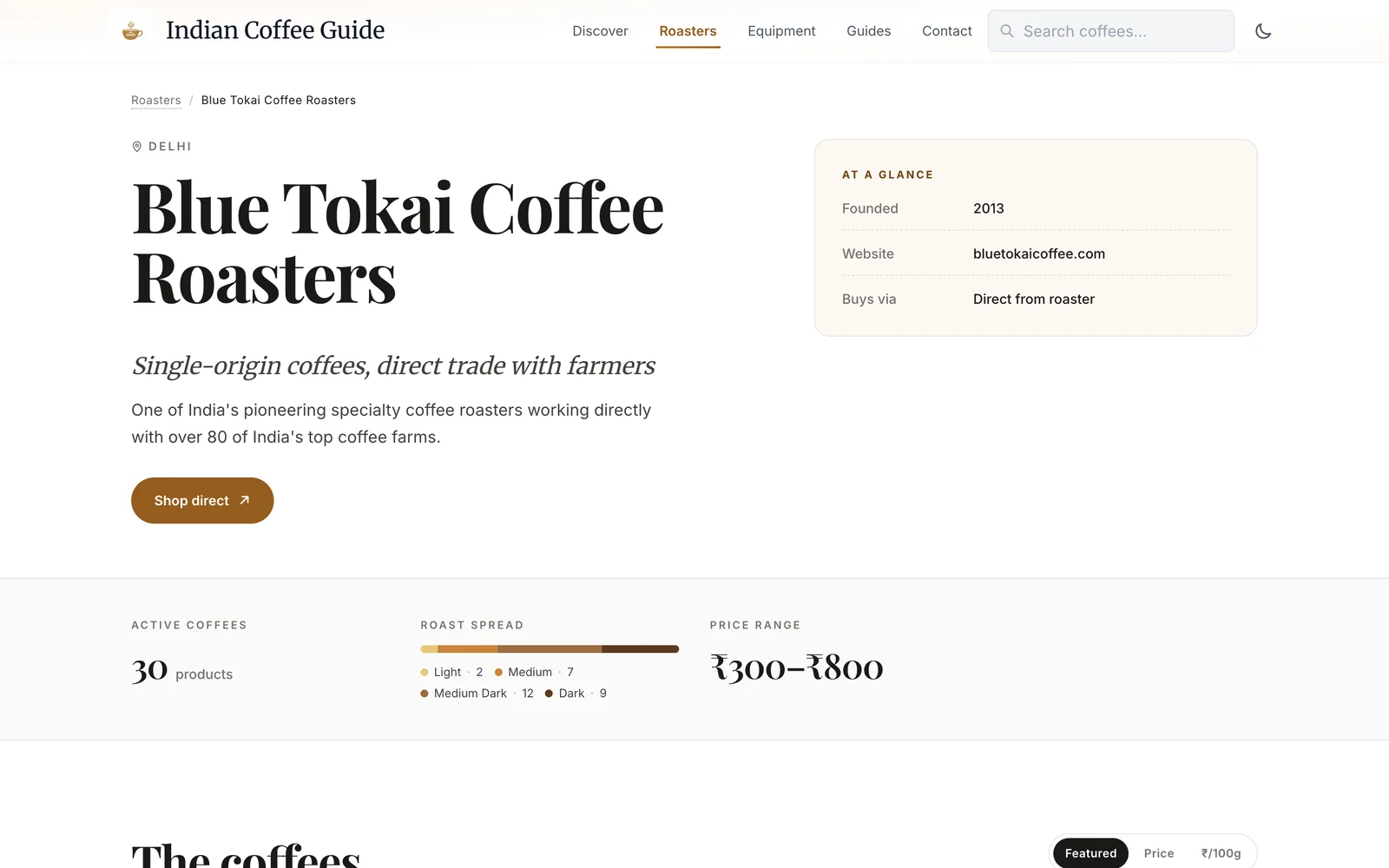
A page for every roaster

City, founding year, active coffees, roast spread and price range, with a link to shop direct.

Blue Tokai Coffee Roasters page on Indian Coffee Guide

On a phone

The same three-tap finder.

Indian Coffee Guide homepage on a phone

Skills, plugins and widgets

Small tools, made for how I work

design-side-view Open source

Keeps the agent's chat on the left and opens mockups in a pane on the right, inside Kitty. Works with Grok Build, Claude Code, Codex and Cursor.

Focus mode Claude Code

Start it with /timer 1h. It reads my Google Calendar to know what I'm working on, plays binaural focus audio, and checks in every 15 minutes.

Vedit Studio

video-edit Claude Code

The skill behind Vedit. Claude edits my raw recordings into finished YouTube videos and Shorts, and only stops to ask about real blockers.

cartoon-builder In progress

Makes episodes of Pip, a toddler cartoon about a turquoise baby dinosaur and his snail friend: story, keyframes, voice, animation, music and QA. The visuals are AI-generated. A first 34-second sample is made.

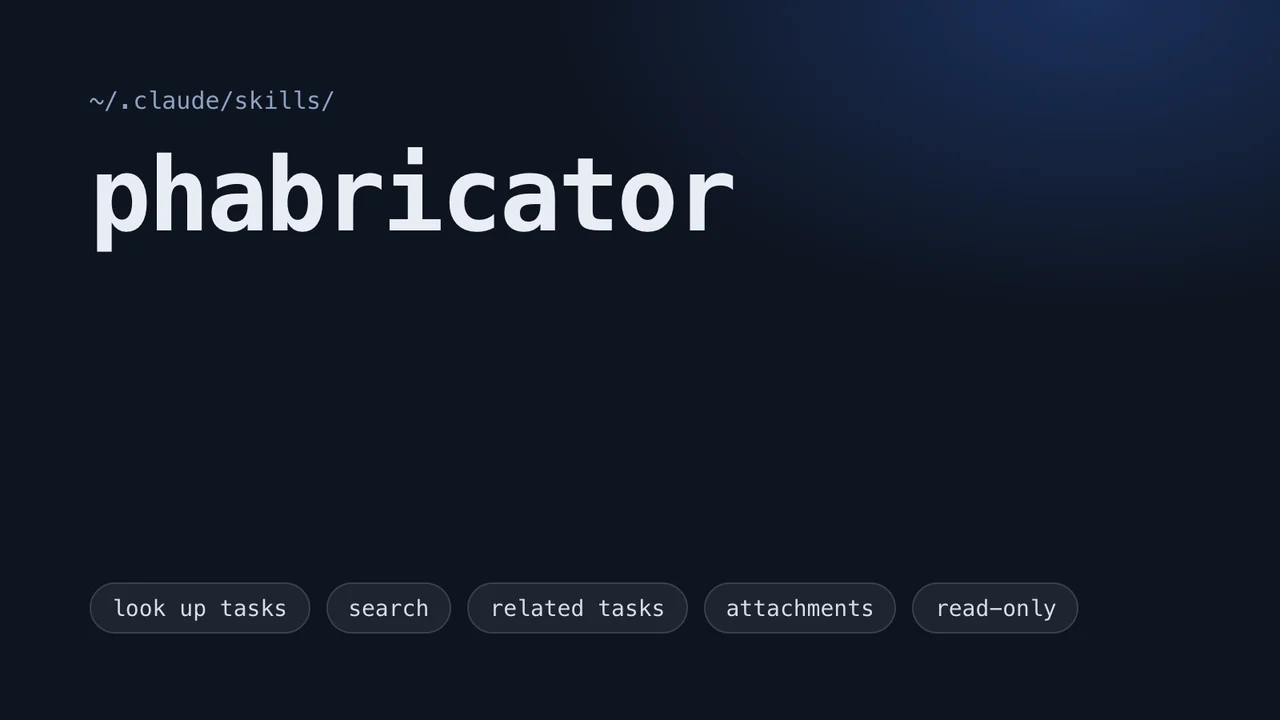
phabricator Open source

Read-only access to Wikimedia Phabricator for coding agents: look up tasks, search, browse related tasks and view attachments.

Wikimedia Commons Figma Plugin×

Wikimedia Commons Figma Plugin

Search Commons for freely licensed images and drop them into your designs, or fetch Wikipedia article content with its formatting intact: bold, italic, headings, links, superscripts and subscripts.

TypeScript, Figma Plugin API, Wikimedia REST API, Tailwind CSS · A live search, recorded in the plugin's interface

I18n Text Preview×

i18n Text Preview

Test UI layouts in other languages before shipping. Select a frame, pick a language, and the plugin translates the text in place with AI. Smart filters skip buttons, URLs, dates, placeholders and component instances.

Figma Plugin API, Claude API, local proxy server · The plugin's interface, with its translation server running

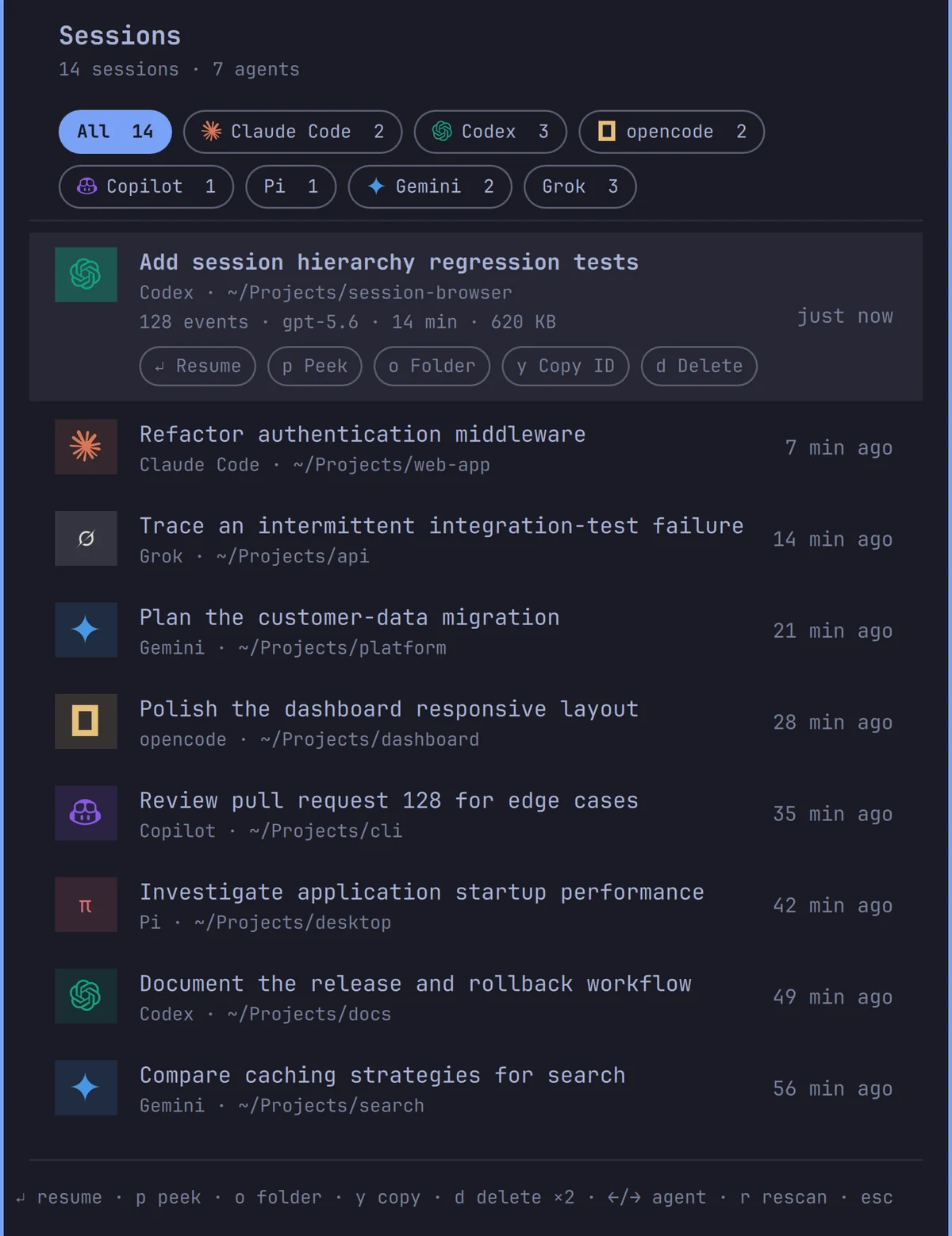
Session Browser

Browse and resume past AI coding sessions from Claude Code, Codex, OpenCode, Copilot, Pi, Gemini and Grok, right from the bar.

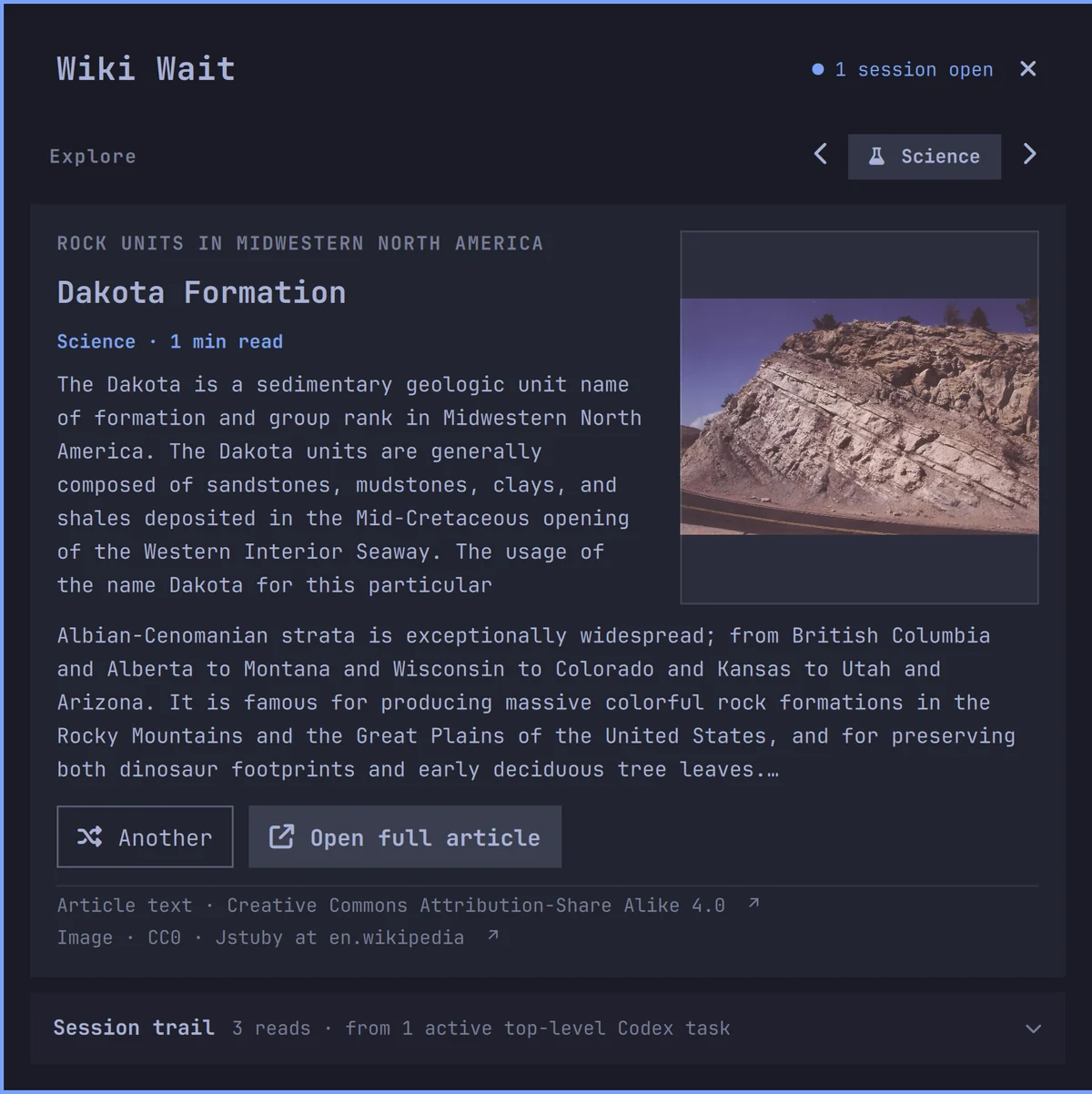
Wiki Wait

A calm Wikipedia reader for while an agent works. Pick a mood and follow a good rabbit hole without losing sight of the work.

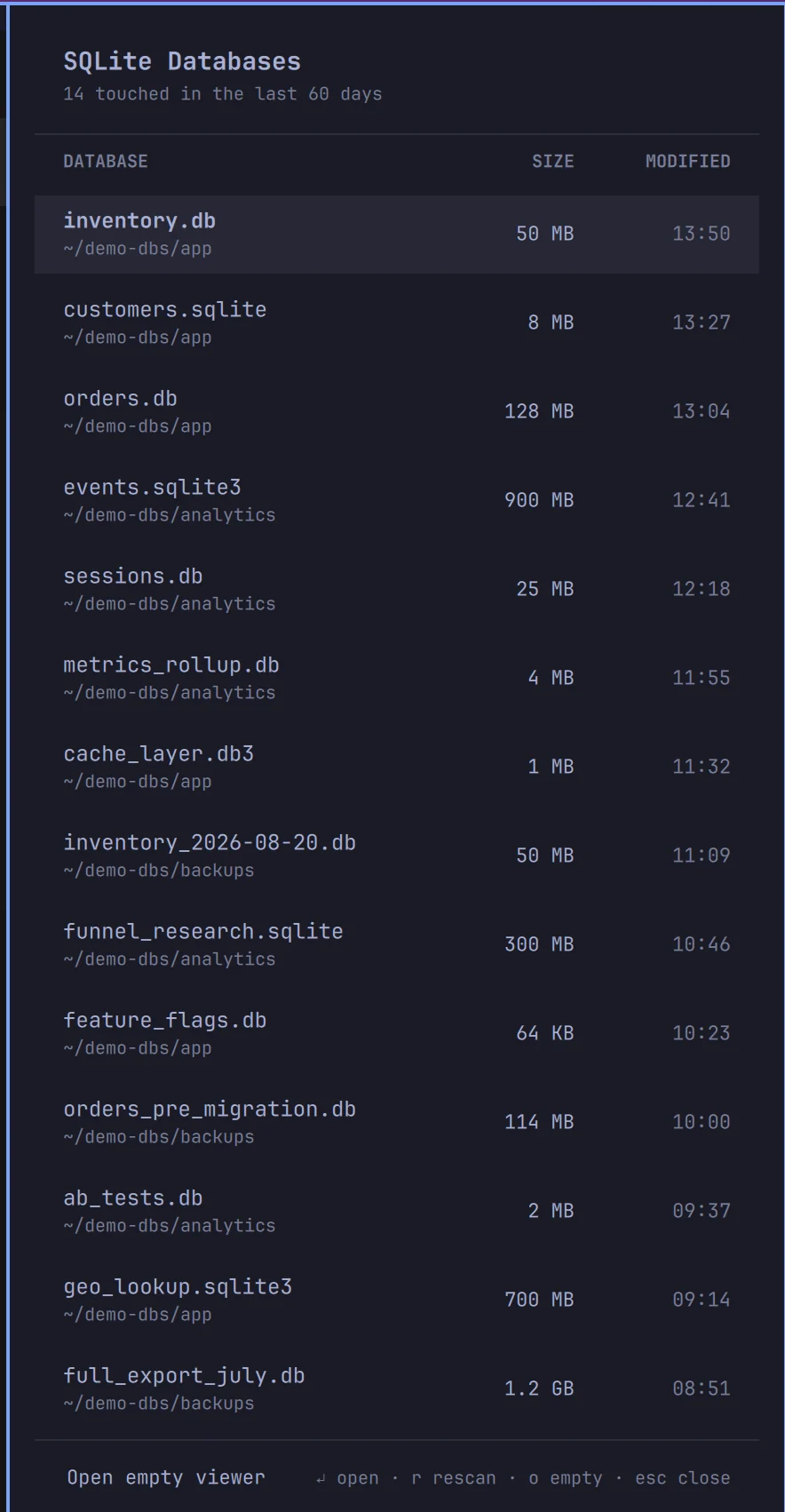
SQLite Viewer

Every SQLite database touched in the last 60 days, at a glance. Click one to open it in DB Browser.

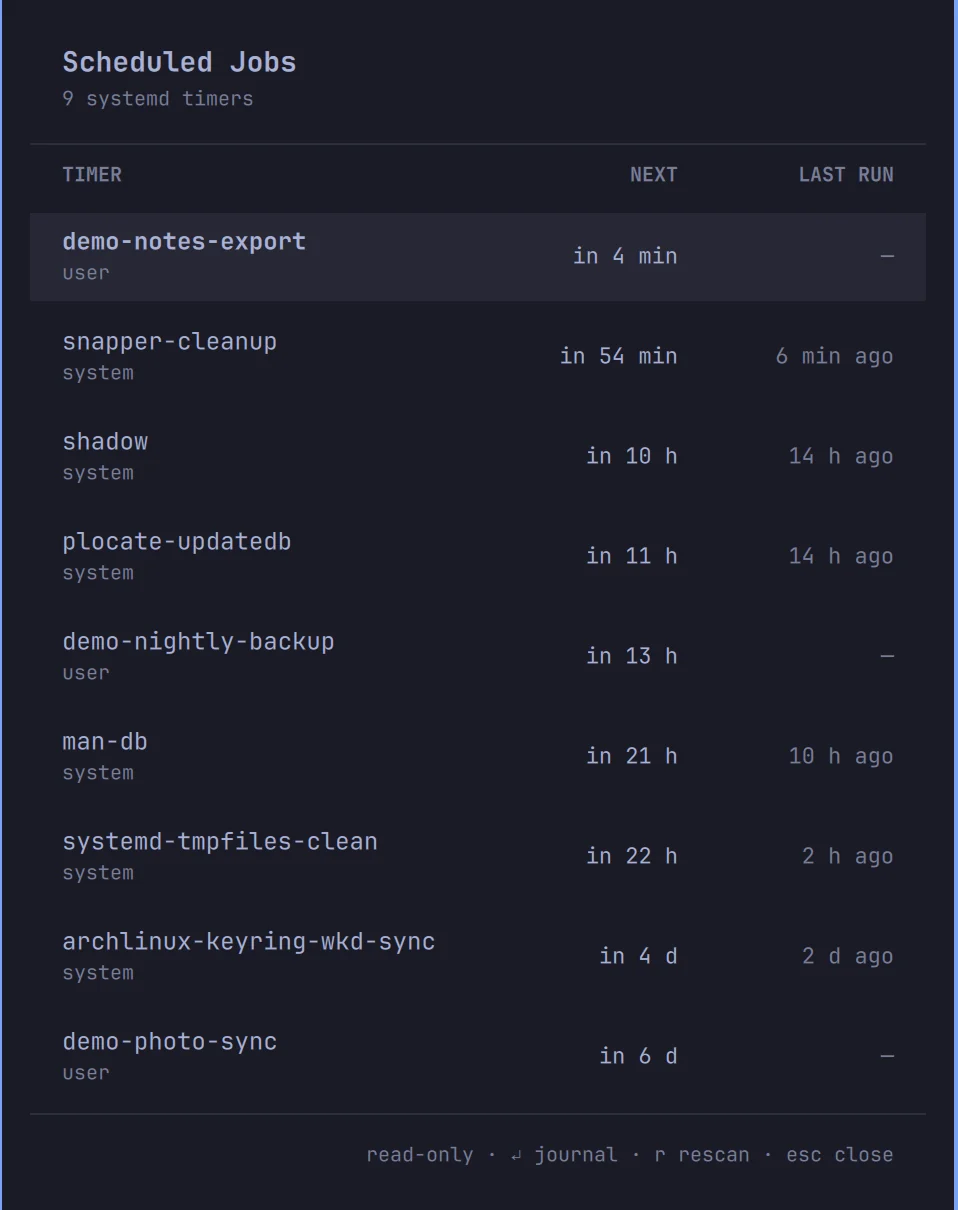
Scheduled Jobs

What runs next on this machine, and whether the last run worked. systemd timers and cron, read-only.

Boot macOS

One click to reboot an Asahi Linux Mac into macOS, for the next boot only.

Say hello

I'm happy to talk about designing for people, AI agents, or anything on this page.

Sudhanshu9252@gmail.com